

Windows MDM

Your Windows laptops,
in one console

Manage company Windows PCs alongside your iPhones, Androids and Macs. One security baseline, one place to check that every machine is encrypted and up to date.

A serene workspace featuring a simple desk with a laptop, notebook, and a vase of flowers.

One console instead of one more tool

Most teams run one thing for phones and something else, or nothing, for laptops. That split is where devices slip through. Appaloosa manages Windows in the same console as iOS, Android and macOS, so one view shows the real state of the whole fleet.

One inventory

No second admin panel, no reconciling two lists that never agree.

One baseline

Encryption, passwords and updates, expressed once, applied everywhere.

No blind spots

Find the laptop nobody enrolled before it becomes a problem.

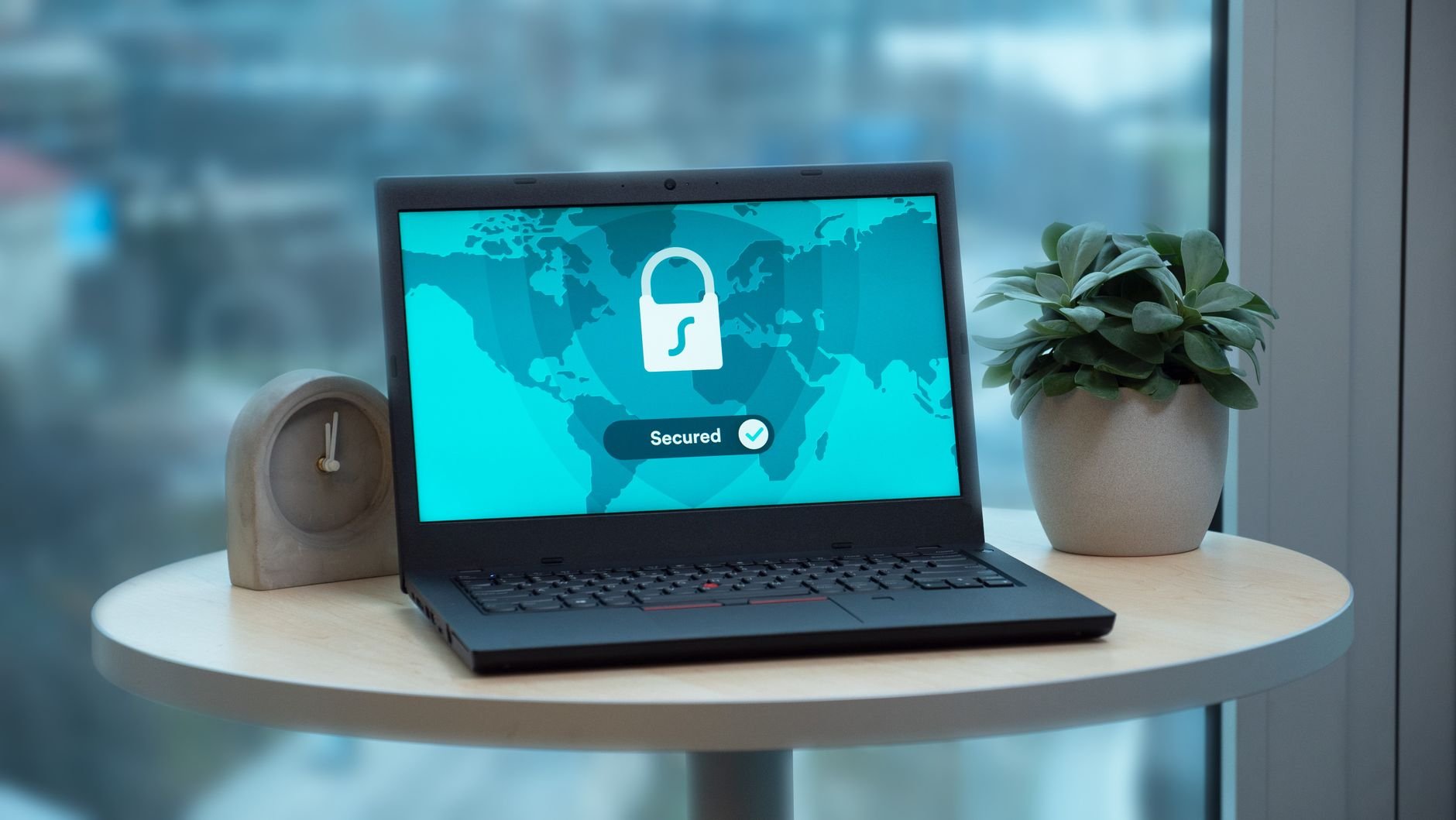
Prove every laptop is encrypted

Appaloosa turns on BitLocker across your Windows machines and escrows the recovery key, stored encrypted, retrievable only by the people you authorize. When a laptop is lost, you know the data was protected, and you can prove it.

Recovery keys escrowed

Recover a locked-out machine in seconds instead of reimaging it.

Evidence for auditors

Encryption you can produce beats encryption you hope is on.

Updates on your terms

Deadlines, active hours, and blocking Insider Preview builds.

How it works

Deploy Your MDM Software in Four Steps

Most enterprise MDM platforms take weeks to deploy. Appaloosa gets your mobile device management up and running in under a day. Here is how it works.
01

Guided Onboarding

A 30-minute call with an MDM specialist to map your fleet structure and requirements.

Book Your Onboarding
02

Configure Policies

Set up security policies, Wi-Fi profiles, app catalogs, and device restrictions for your organization.

03

Enroll Your First Device

Test your configuration on a real device. Validate apps, settings, and policies before rolling out to the full fleet.

04

Roll Out at Scale

Deploy to your entire fleet with zero-touch enrollment. New devices auto-configure on first boot.

Integrations

Windows MDM That Fits Your Stack

  • Microsoft Entra

    Maintain an accurate device inventory by syncing your corporate directory from Microsoft Entra with Appaloosa.

  • Office 365 MDM

    Office 365

    Push Office 365 apps and accounts to managed devices automatically. Email, Teams, OneDrive, and SharePoint are configured on enrollment with no manual credential entry.

  • Google Workspace

    Sync your Google Workspace directory to manage user access at scale. Block unmanaged devices from company data, enforce Google authentication, and keep user groups in sync automatically.

  • Okta

    Connect Appaloosa to Okta for Single Sign-On (SSO) and automated user provisioning. Sync users and groups so device access stays aligned with your identity provider.

What you get with Windows MDM

Software where it belongs

.msi and public store apps to the machines that need them, Microsoft Store access controlled.

Updates under control

Defer, set deadlines, manage feature and quality updates separately, set active hours.

Honest scope

Enrollment, encryption, updates, apps, passwords and remote wipe. Mobile-only features lead on iOS and Android.

EDF
Hermès
SNCF
Aramis Auto
Koesio
Fleet

Bring Your Windows Machines Under One Roof

Get started today with unrestricted access to our platform and help from our product experts.

Get Started
Free 14-day trial
Cancel anytime, no questions asked.
Expert Support
Get customized and expert onboarding to get started.
mobile device management
Yes. Windows sits in the same console as iOS, Android and macOS, with one inventory.
Yes, including turning it on and escrowing the recovery key, retrievable only by authorized profiles.
Yes: deadlines, deferral, separate feature and quality updates, active hours, and blocking Insider Preview builds.
No. Windows is managed as company-owned only. BYOD is available on iOS and Android.