
iOS MDM

Manage iPhones without
the busywork

Enroll, configure and support your company's iPhones and iPads from a single console.

Your team gets devices that just work. You get control without the overhead.
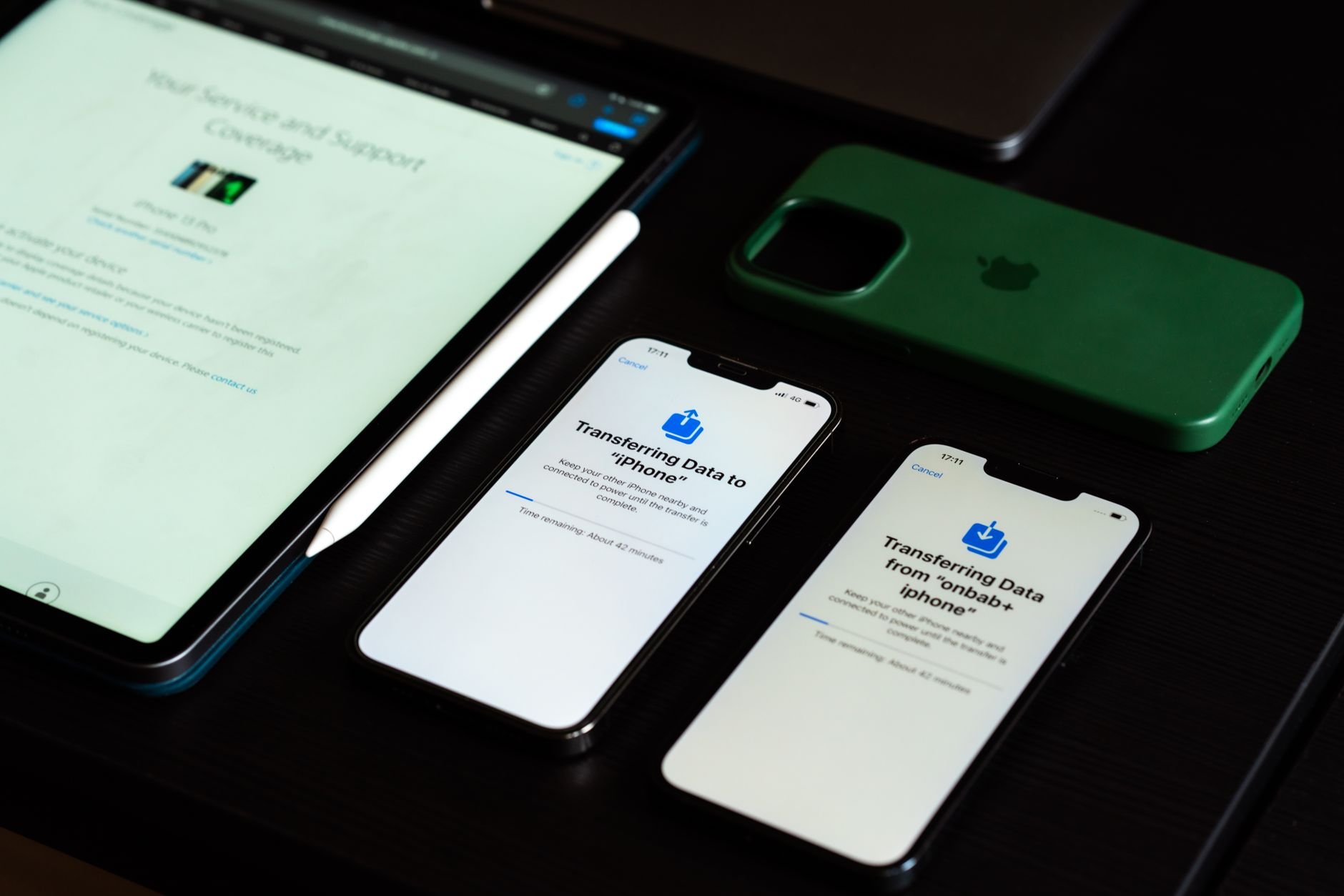
High-angle view of digital devices including iPhones and an iPad on a desk, showcasing data transfer.

Deploy iPhones that configure themselves

Ship a new iPhone straight to the employee. Through Apple Business Manager it registers to your organization, pulls its apps and policies, and is ready before they reach the home screen. You define the profile once, every device follows it.

Ship straight to the employee

No staging room, no IT visit. New hires are productive on their first morning, anywhere.

Ready in minutes

Zero-touch enrollment turns a twenty-minute-per-device job into no job at all.

One profile, every device

Define the enrollment profile once in Apple Business Manager, and every new iPhone inherits it automatically.

Keep work and personal apart

On a personal iPhone, Appaloosa manages only the work side. Your apps, accounts and policies live in a managed space, and everything else stays private and invisible to IT.

Personal life stays private

Photos, iMessage and personal apps are never visible to IT, so people actually enroll.

Clean removal when someone leaves

Remove the work container and nothing else. Their phone and their photos are untouched.

You still enforce the work side

Passcode, VPN and required apps apply to the work space, without ever touching the personal one.

How it works

Deploy Your MDM Software in Four Steps

Most enterprise MDM platforms take weeks to deploy. Appaloosa gets your mobile device management up and running in under a day. Here is how it works.
01

Guided Onboarding

A 30-minute call with an MDM specialist to map your fleet structure and requirements.

Book Your Onboarding
02

Configure Policies

Set up security policies, Wi-Fi profiles, app catalogs, and device restrictions for your organization.

03

Enroll Your First Device

Test your configuration on a real device. Validate apps, settings, and policies before rolling out to the full fleet.

04

Roll Out at Scale

Deploy to your entire fleet with zero-touch enrollment. New devices auto-configure on first boot.

Integrations

iOS MDM That Fits Your Stack

  • Apple Business Manager

    Set up and manage Apple devices (iPhone, iPad, and Mac) using Automated Device Enrollment for streamlined deployment.

  • Apple ADE

    Automated Device Enrollment (ADE)

    Enroll company Apple devices with zero touch. Through Automated Device Enrollment, a device supervises itself on first boot and pulls its full configuration before anyone signs in.

  • Office 365 MDM

    Office 365

    Push Office 365 apps and accounts to managed devices automatically. Email, Teams, OneDrive, and SharePoint are configured on enrollment with no manual credential entry.

  • Google Workspace

    Sync your Google Workspace directory to manage user access at scale. Block unmanaged devices from company data, enforce Google authentication, and keep user groups in sync automatically.

  • Okta

    Connect Appaloosa to Okta for Single Sign-On (SSO) and automated user provisioning. Sync users and groups so device access stays aligned with your identity provider.

What you get with iOS MDM

Ready on first boot

Zero-touch enrollment through Apple Business Manager. Ship devices straight to people, configured and productive in minutes.

Work and personal, apart

A managed work space on personal iPhones keeps company data controlled and personal life private. Clean, selective removal when someone leaves.

Secure and enforceable

Lock, locate, Lost Mode and wipe from the console. Enforce passcodes, updates and encryption by policy, not by asking. Remote support powered by TeamViewer.

EDF
Hermès
SNCF
Aramis Auto
Koesio
Fleet

Manage Your iPhones the Simple Way

Get started today with unrestricted access to our platform and help from our product experts.

Get Started
Free 14-day trial
Cancel anytime, no questions asked.
Expert Support
Get customized and expert onboarding to get started.
mobile device management
Yes. Company iPhones can be fully managed and supervised through Automated Device Enrollment. Personal iPhones use a simple management profile that keeps personal data private.
Yes: public App Store apps, your own private apps, and volume-purchased licenses through Apple Business Manager.
Yes. On managed devices you can defer updates, pin a version, and enforce it across the fleet.
On a personal iPhone you remove only the work container. On a company device you wipe it fully. Both from the console.
In the European Union. Appaloosa is a European vendor, ISO 27001 certified.