

Solution · Frontline workers

Devices your field teams
can't break or misuse

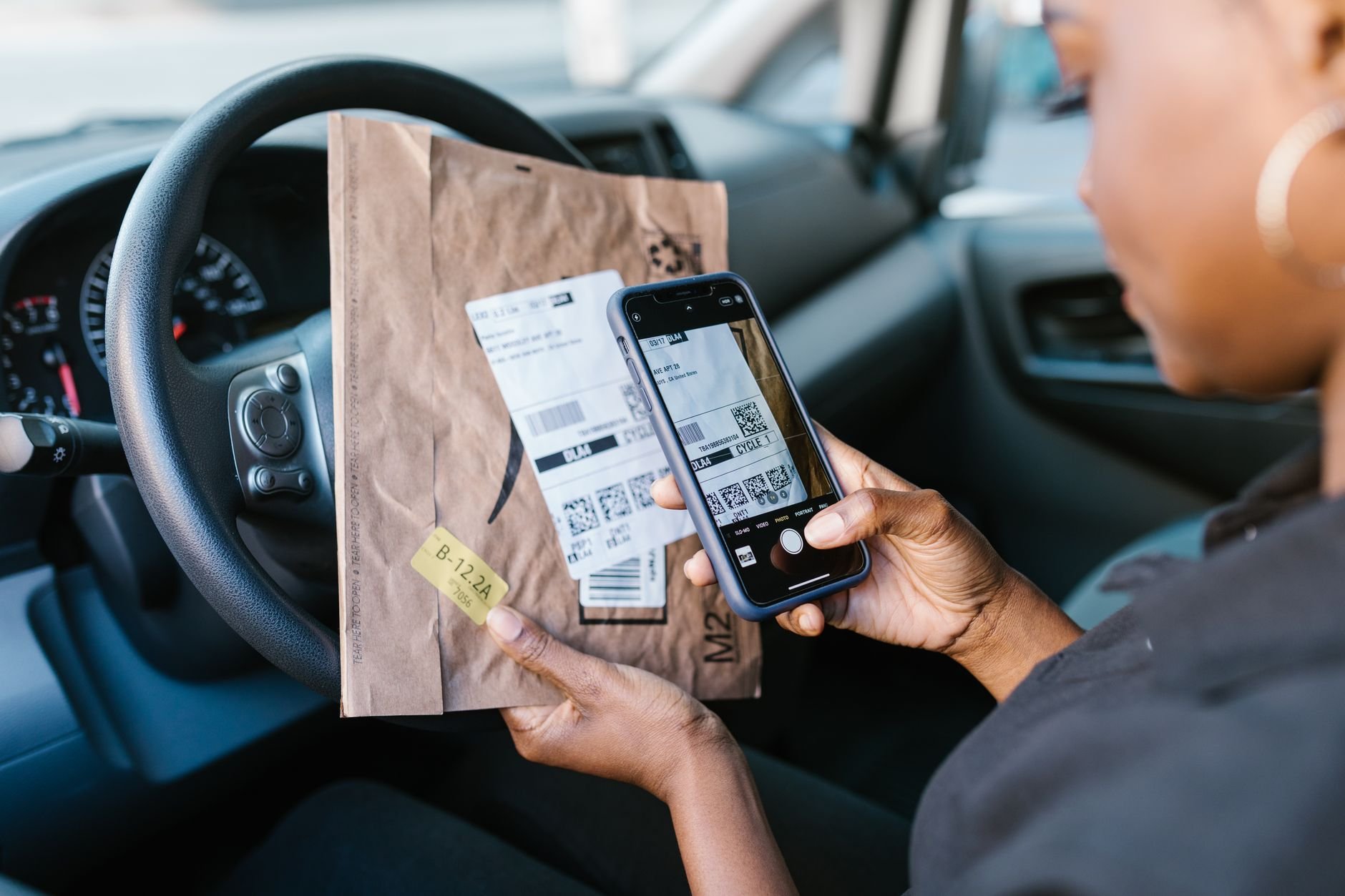
Warehouse scanners, delivery handhelds, retail tablets, site phones. Lock them to the job, deploy them by the hundred, and fix them without a site visit.
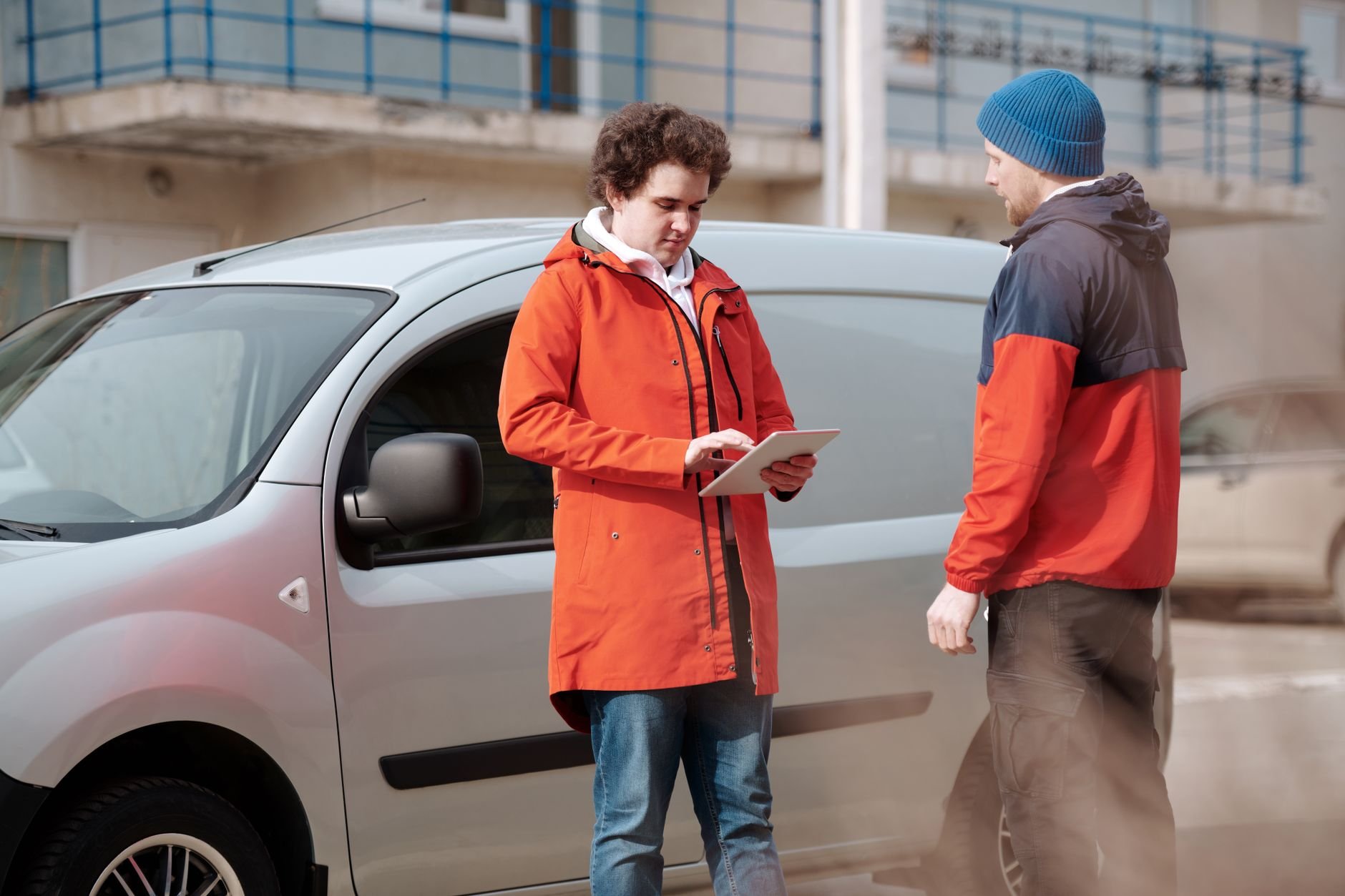
Two delivery men in bright jackets using a digital tablet beside a van outdoors.

A device calibrated for the task

A frontline device is not a personal computer. Dedicated-device mode locks it to the one or few apps the shift needs, so a scanner scans and a delivery app delivers. Nobody drifts into a browser or drains the battery on video.

Locked to the task

The screen shows the job and nothing else.

Deploy by the hundred

Zero-touch, QR and Knox provision devices already locked to the right apps.

OEM hardware managed

Knox and Zebra settings a generic MDM ignores: barcode engine, keys.

Fix it without driving there

A worker two regions away is stuck on a screen you have never seen. Instead of a site visit, open a remote support session and see their screen, powered by TeamViewer. Downtime on a frontline device is lost work.

Remote screen support

Guide a worker through their device from the console.

Locate and protect

Track location, and Factory Reset Protection keeps a lost device tied to you.

Replace on the fly

A new unit enrolls into the same locked config in minutes.

How it works

Deploy Your MDM Software in Four Steps

Most enterprise MDM platforms take weeks to deploy. Appaloosa gets your mobile device management up and running in under a day. Here is how it works.
01

Guided Onboarding

A 30-minute call with an MDM specialist to map your fleet structure and requirements.

Book Your Onboarding
02

Configure Policies

Set up security policies, Wi-Fi profiles, app catalogs, and device restrictions for your organization.

03

Enroll Your First Device

Test your configuration on a real device. Validate apps, settings, and policies before rolling out to the full fleet.

04

Roll Out at Scale

Deploy to your entire fleet with zero-touch enrollment. New devices auto-configure on first boot.

Integrations

Works With Your Stack

  • Android Enterprise

    Deploy and manage Android devices using various management solutions, including Work Profile, Fully Managed Device, and Kiosk Mode.

  • Samsung Knox

    Samsung Knox

    Enroll Samsung Galaxy fleets at scale with Knox Mobile Enrollment and manage the OEM layer a generic MDM cannot reach, from the barcode engine to physical keys.

  • Office 365 MDM

    Office 365

    Push Office 365 apps and accounts to managed devices automatically. Email, Teams, OneDrive, and SharePoint are configured on enrollment with no manual credential entry.

  • Google Workspace

    Sync your Google Workspace directory to manage user access at scale. Block unmanaged devices from company data, enforce Google authentication, and keep user groups in sync automatically.

  • Okta

    Connect Appaloosa to Okta for Single Sign-On (SSO) and automated user provisioning. Sync users and groups so device access stays aligned with your identity provider.

Built for the field

Dedicated devices

Lock a device to one or a few apps for its entire shift.

Fast rollouts

Deploy waves of devices for a new depot or a seasonal surge, self-configuring.

Loss-proof fleet

Lock, locate, wipe, and clone any replacement into the same setup.

EDF
Hermès
SNCF
Aramis Auto
Koesio
Fleet

Equip Every Field Worker

Get started today with unrestricted access to our platform and help from our product experts.

Get Started
Free 14-day trial
Cancel anytime, no questions asked.
Expert Support
Get customized and expert onboarding to get started.
mobile device management
It locks a device to one or a few apps, so it can only be used for its job.
Zero-touch, QR enrollment, and Knox Mobile Enrollment provision devices automatically, already locked to the right apps.
Yes, including OEM settings such as the barcode engine and physical keys.
Yes, with a remote screen session powered by TeamViewer, plus remote PIN reset and restart.