Kiosk Mode

Lock Any Device into
Secure Kiosk Mode

Turn tablets and phones into single-purpose business tools in minutes.


Appaloosa's kiosk software lets you lock devices to approved applications, block unauthorized access, and manage your entire kiosk fleet remotely. Whether you run point-of-sale terminals, warehouse scanners, or self-service stations, every device stays focused, secure, and under your control.

Kiosk MDM

One Device, One Purpose, Zero Distractions

Shared devices in the field are only useful when employees can't wander off-task. Kiosk mode locks each device to the exact apps and workflows your teams need, nothing more. IT keeps full visibility and remote control, while end users get a clean, distraction-free interface built for their role.

App Lockdown

Only What Matters

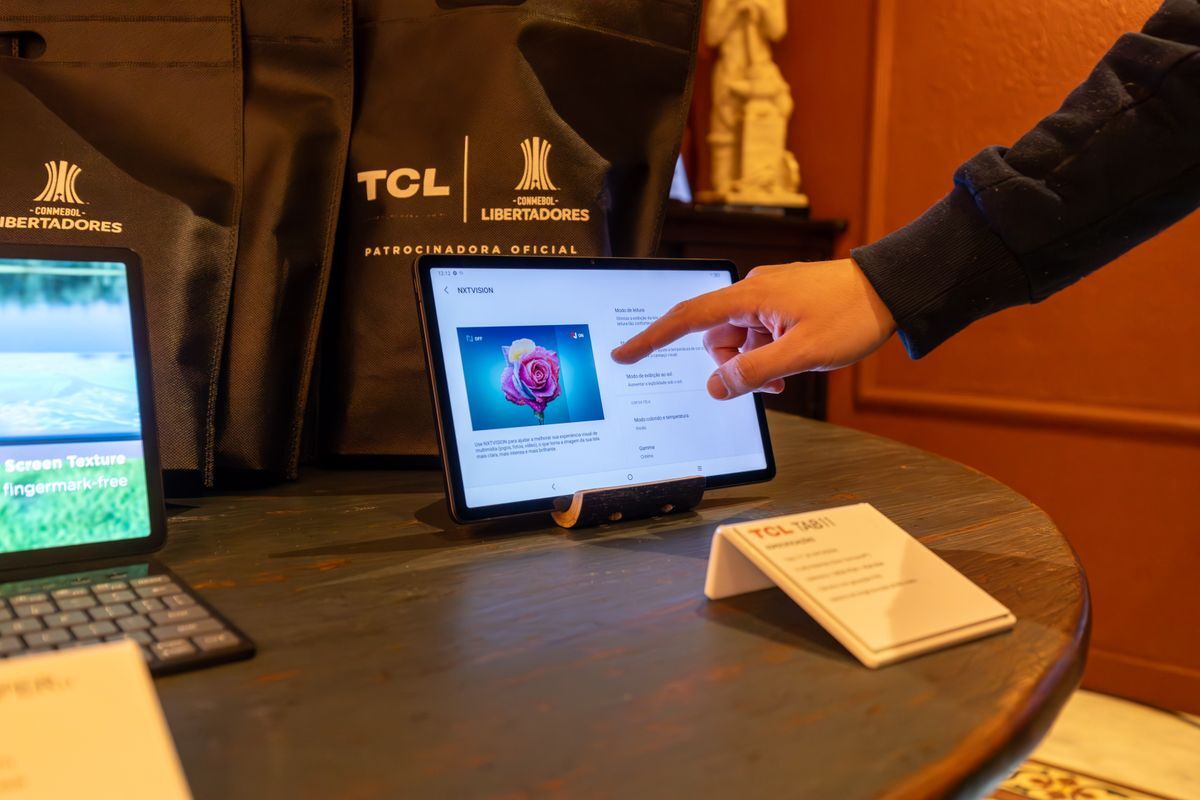
Restrict devices to a single full-screen app or a curated set of approved applications. System settings, notifications, and the home screen stay hidden.

Security Policies

Locked Down, Always

Enforce passcodes, disable USB debugging, control OS updates, and apply compliance rules while in kiosk mode. Non-compliant devices trigger automated alerts, locks, or selective wipes.

Remote Management

Manage From Your Desk

Push app updates, change kiosk configurations, and troubleshoot issues without touching the physical device. Manage kiosks across all locations from one console.

Deploy Kiosk Mode in Four Steps

Go from unboxing to a fully locked-down kiosk in minutes.
1

Create a Policy

Define kiosk security rules, network settings, and device restrictions in a reusable policy template.

2

Select Your Apps

Choose which applications appear on the kiosk. Pick a single app for full-screen mode or a curated set for multi-app kiosks.

3

Lock It Down

Enable kiosk mode to hide the home screen, block system settings, and enforce your security policies automatically.

4

Deploy at Scale

Roll the policy out to ten devices or ten thousand. New kiosks enroll automatically via zero-touch deployment.

Kiosk-Ready Integrations

  • Office 365 MDM
    Office 365
    Pre-install Office 365 apps on your kiosk devices and auto-configure accounts so employees can access Outlook, Teams, or Excel without manual setup. Ideal for shared workstations that need quick user switching.
  • Google Workspace MDM
    Google Workspace
    Restrict kiosk devices to managed Google accounts only. Sync user directories to control who can sign in, and limit access to approved Workspace apps, keeping personal Google accounts off shared hardware.
  • Okta integration Mobile Device Management
    Okta
    Authenticate kiosk users through Okta SSO before granting access to locked-down apps. Synchronize user groups to assign the right kiosk profile to each employee automatically.

Kiosk Mode in Action

Point of Sale

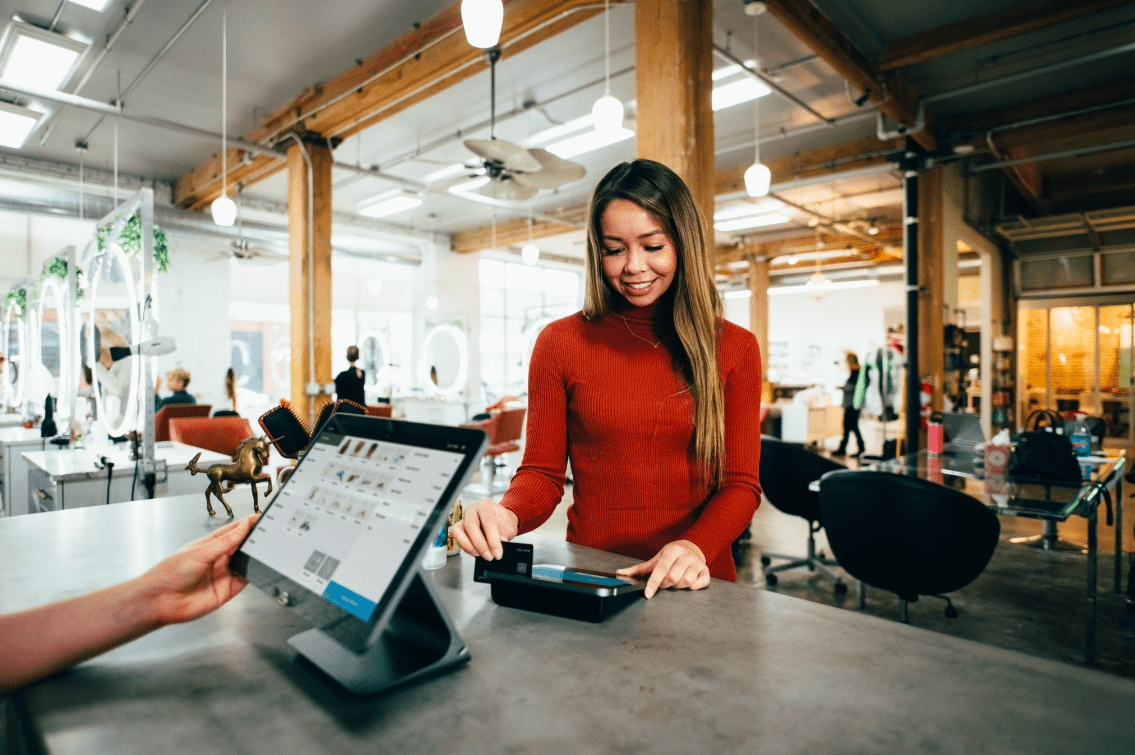
Lock tablets to your POS and inventory apps so cashiers stay focused and customer data stays protected.

Logistics

Deploy rugged scanners and handhelds locked to barcode, inventory, and route-planning apps. Devices boot straight into the workflow.

Self-Service

Set up visitor check-in, wayfinding, or ordering kiosks with a single customer-facing app. The home button, notifications, and settings stay hidden.

EDF
Hermès
SNCF
Aramis Auto
Koesio
Fleet

Ready to deploy MDM?

Get started today with unrestricted access to our platform and help from our product experts.

Get Started
Free 14-day trial
Cancel anytime, no questions asked.
Expert Support
Get customized and expert onboarding to get started.
Kiosk Mode
What is kiosk mode on a mobile device?
Kiosk mode is an MDM feature that restricts a phone or tablet to one or more approved applications. The device home screen, system settings, and notifications are hidden, so the user can only interact with the apps you allow. IT admins retain full remote management capabilities, including app updates, security policy enforcement, and device monitoring.
How does kiosk mode differ between iOS and Android?
On iOS, Single App Mode locks a supervised device to one full-screen application. Android supports both single-app mode and multi-app kiosk configurations via Android Enterprise, giving you a custom launcher with only the apps you approve. Appaloosa manages both platforms from a single console, so you can deploy mixed iOS and Android kiosk fleets without switching tools.
Can kiosk devices still be managed remotely?
Yes. Every MDM command is available while the device runs in kiosk mode. You can push app updates, change the allowed app list, enforce new security policies, or wipe the device remotely. Kiosk mode restricts the end user, not the administrator.
How quickly can I deploy kiosk mode across my fleet?
Deployment takes minutes. Create a kiosk policy, assign it to a device group, and every enrolled device locks down automatically. For new hardware, zero-touch enrollment means devices ship pre-configured: power on, connect to Wi-Fi, and kiosk mode activates with no manual setup required.
What security features work alongside kiosk mode?
All standard MDM security features remain active: passcode enforcement, remote lock and wipe, OS update management, network restrictions, and compliance monitoring. If a kiosk device falls out of compliance (for example, a jailbreak is detected), automated actions trigger immediately to protect your data.