Zero Touch Deployment

Deploy Devices That
Configure Themselves

Ship devices straight to employees. They enroll and configure on first boot.


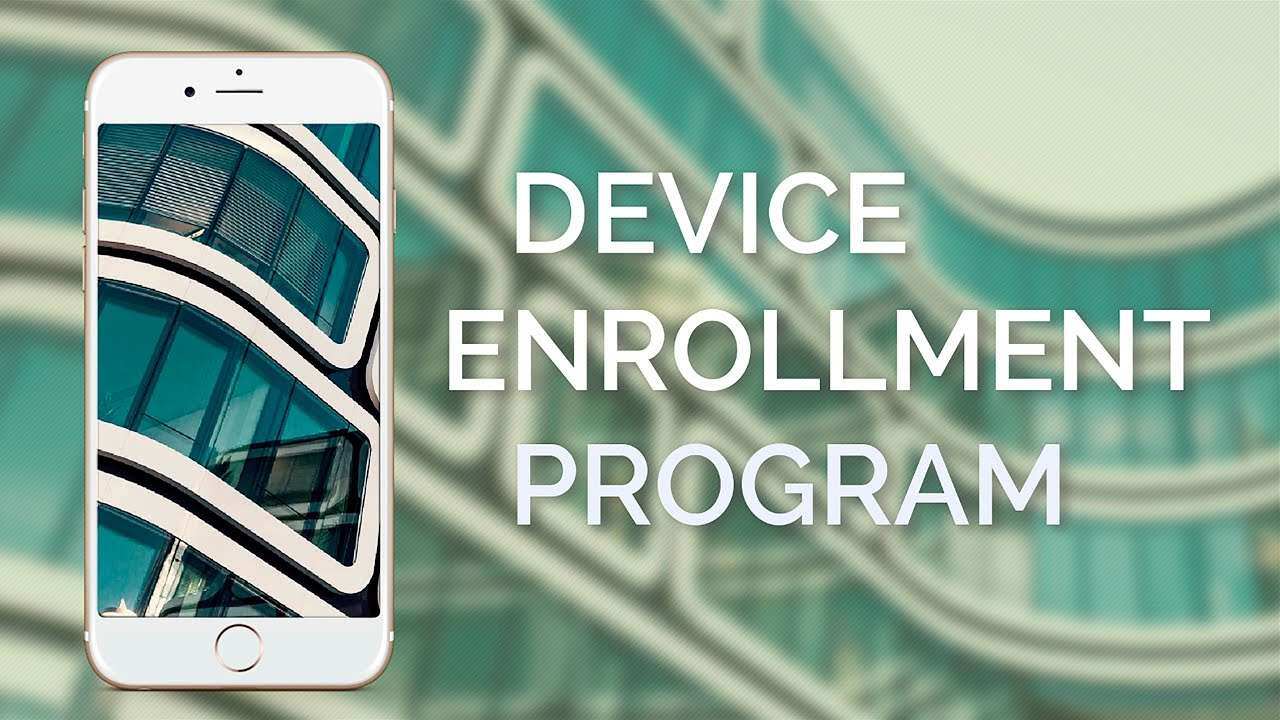
Appaloosa's zero touch enrollment works with Apple ADE and Android Zero Touch to provision devices automatically. No staging, no manual setup, no IT bottleneck. Define your enrollment profile once, and every new device in your fleet is production-ready the moment it powers on.

Zero Touch

Why IT Teams Choose Zero Touch Enrollment

Manual device provisioning does not scale. Every new hire means 30+ minutes of hands-on configuration per device, and remote employees wait days for pre-staged hardware to arrive. Zero touch deployment eliminates both problems by letting devices configure themselves the moment they connect to the internet.

Direct Shipping

No IT Staging Required

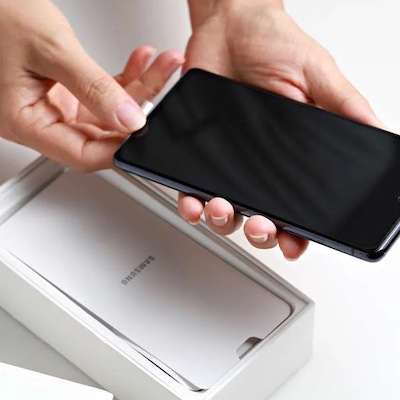
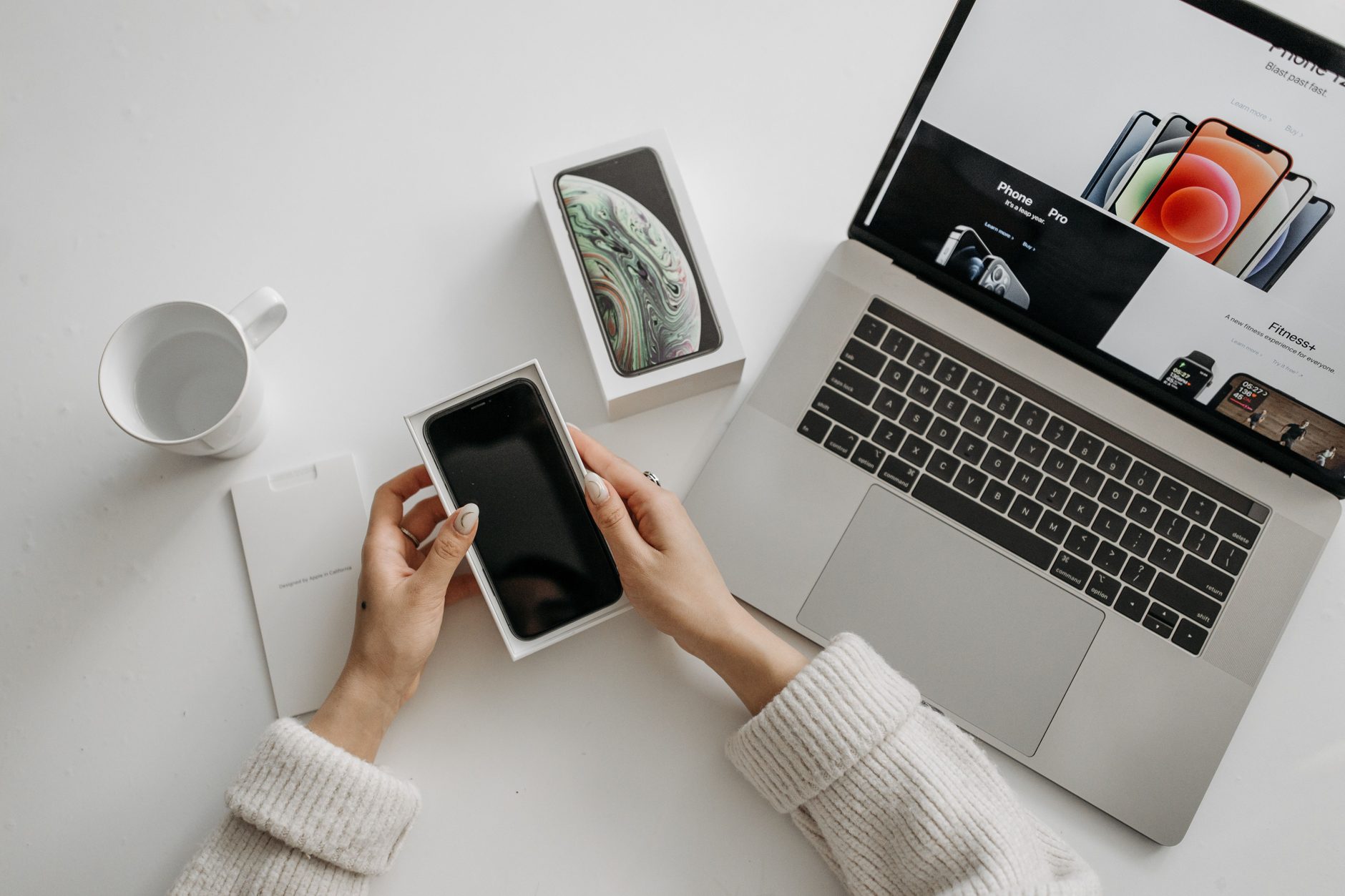
Ship devices from any authorized reseller directly to employees. Each device enrolls automatically on first boot through Apple ADE or Android Zero Touch, fully configured with your apps and policies.
Device Ownership

Always Enrolled

Zero touch enrollment binds devices to your MDM at the hardware level. Even after a factory reset, the device re-enrolls automatically and reapplies your security policies.

One-Click Deploy

One Profile, Every Device

Build your enrollment profile once with apps, restrictions, Wi-Fi, VPN, and email. Every new device inherits the same setup automatically, saving 30+ minutes per device.

How Zero Touch Deployment Works

Appaloosa connects directly with Apple Business Manager and Android Zero Touch portals. From purchase to first boot, device provisioning is fully automated in four steps.
1

Connect

Link your Apple Business Manager or Android Zero Touch portal to Appaloosa

2

Purchase

Order iOS or Android devices from any authorized reseller

3

Assign

Devices appear automatically in your Appaloosa console, ready to configure

4

Ship

Send devices to employees. They enroll and configure on first power-on.

Pre-Configure Your Business Tools at Enrollment

  • Office 365 MDM
    Office 365
    Deploy Office 365 as part of your zero touch enrollment profile. Devices arrive with Outlook, Teams, and OneDrive pre-installed and pre-authenticated, so employees can start working immediately.
  • Google Workspace MDM
    Google Workspace
    Include Google Workspace in your automated device provisioning. Managed Google accounts are configured at first boot, with app restrictions and data access policies already in place.
  • Okta integration Mobile Device Management
    Okta
    Integrate Okta SSO into your zero touch enrollment flow. Devices authenticate through your identity provider from day one, with users and groups synced automatically from your directory.

Zero Touch Deployment in Practice

Remote Onboarding

Onboard remote and hybrid workers without shipping devices through IT first. Ship to the employee's address and let zero touch enrollment handle the rest.

Fleet Rollouts

Deploy hundreds of devices in a single wave without adding IT headcount. Zero touch provisioning removes per-device configuration entirely.

Security Baseline

Every device meets your security baseline from the first second it powers on. Passcode policies, encryption, app restrictions, and network settings apply automatically.

See Zero Touch Deployment in Action

Walk through the full enrollment flow with our team. See how Appaloosa provisions devices automatically from purchase to first boot.

Get Started
Free 14-day trial
Cancel anytime, no questions asked.
Expert Support
Get customized and expert onboarding to get started.
zero touch mdm
What is zero touch deployment?
Zero touch deployment is an automated device enrollment method supported by Apple (through Apple ADE, formerly DEP) and Google (through Android Zero Touch). When a company purchases devices from an authorized reseller, those devices are registered to the company's MDM server. On first boot, the device connects to the MDM, downloads its configuration profile, installs corporate apps, and applies security policies. The employee receives a fully configured, production-ready device without IT ever touching it.
Do I need to buy devices from a specific supplier?
Devices must come from an authorized Apple or Android Zero Touch reseller, but most major carriers and enterprise device distributors already qualify. Ask your current supplier if they support Apple Business Manager or Android Zero Touch registration. If they do, no change to your procurement process is needed.
How does zero touch enrollment improve device security?
Zero touch enrollment enforces security from the very first second a device is powered on. Encryption, passcode requirements, app restrictions, and network policies are applied before the employee can use the device. On iOS, devices are placed in supervised mode, which prevents users from removing the MDM profile. On Android, the device owner mode ensures the same level of control. Even after a factory reset, the device re-enrolls automatically.
Can I use zero touch deployment with devices already in the field?
Zero touch enrollment is designed for new device purchases. Devices already deployed can still be managed through Appaloosa using standard MDM enrollment (QR code, enrollment link, or manual profile installation). For Apple devices, you can also add existing hardware to Apple Business Manager using Apple Configurator, which then enables automated enrollment on the next factory reset.
How much time does zero touch deployment save per device?
On average, zero touch deployment saves 30 to 45 minutes of IT time per device. That includes the time normally spent unboxing, connecting to Wi-Fi, installing apps, configuring email, and applying restrictions. For a rollout of 500 devices, that represents over 250 hours of IT labor eliminated. The savings grow further when you factor in shipping logistics, since devices go directly from the reseller to the employee instead of routing through IT.