One Policy, Every Device
Pick a Level, Add Your Domains
Meet Corral, network filtering built into Appaloosa. Ads, trackers, phishing sites, gambling, adult content: decide what your managed phones and tablets can reach, from the console.
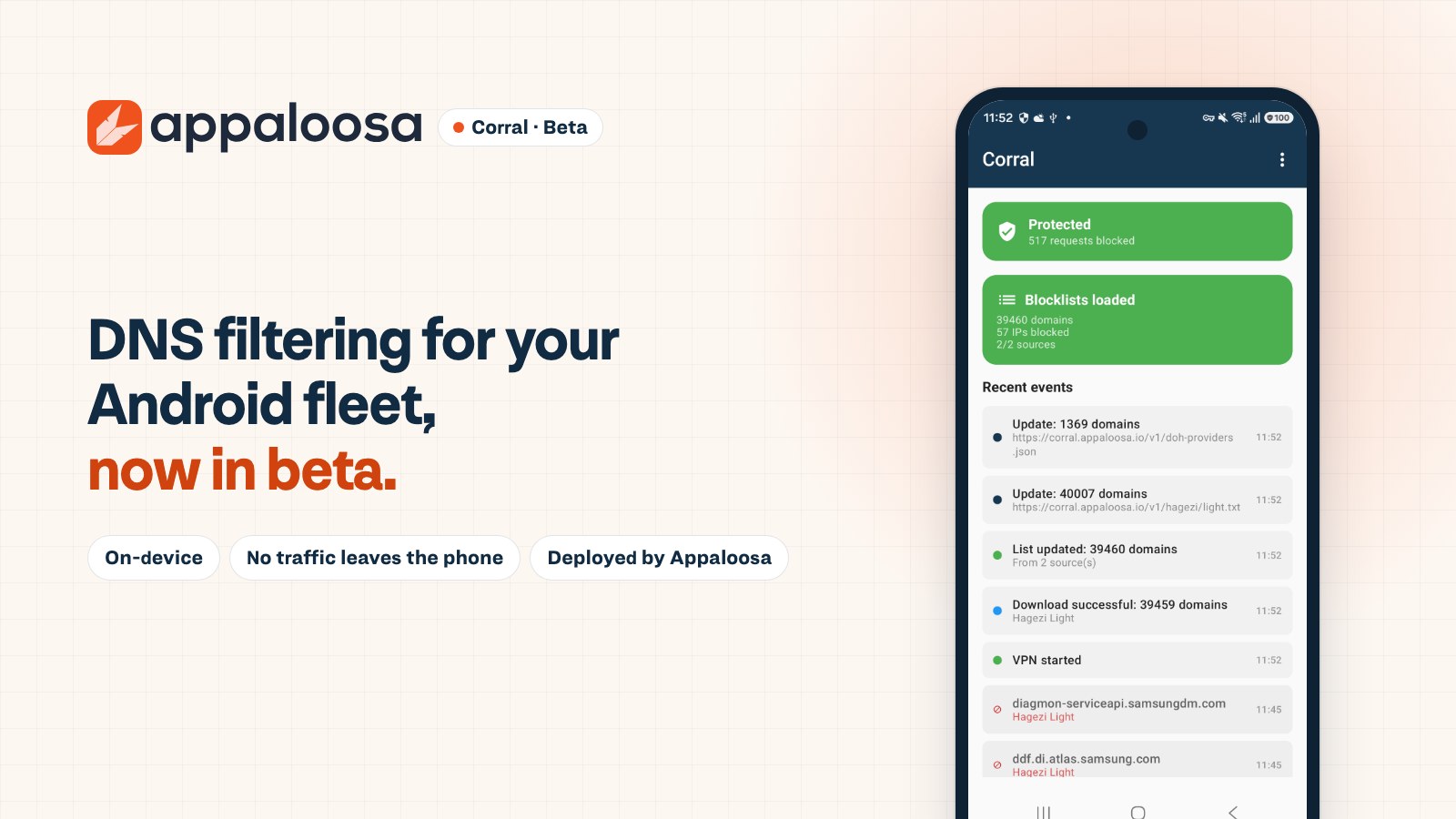
Corral runs on the device itself. No proxy, no cloud filtering, nothing for users to install.

They trust us
FAQ

Android 11 and later on Android Enterprise, on managed devices or COPE. Personal devices (BYOD) are not filtered. iOS is in development. macOS is not covered at launch.
No. Filtering happens entirely on the device. Corral only looks at DNS lookups (domain names) and the destination address of connections, to allow or block them. It never reads, inspects or decrypts the content of your connections: no TLS interception, no certificate installed. No browsing data is sent to Appaloosa or to any third party. The only exchanges are the device downloading the block lists, and the diagnostic report a user chooses to send to support. Activity logs stay on the device (they are purged after seven days on Android), and the console never receives the domains visited.
A technical status only, so you can see the filter is working (for example whether filtering is active or paused, and the health of the app). Never the sites people visit or any browsing history. Crash reports are off by default; the admin can turn them on, and they stay anonymous.
On Android, Corral is a local VPN on the device, declared as an always-on VPN and locked down by Android Enterprise: traffic is examined on the phone itself, no server is involved. Android allows only one active VPN per profile, so Corral takes that slot in the scope it filters (the whole device in fully managed mode, the work profile only in COPE) and cannot run alongside another corporate VPN in that scope. The configuration comes from the Appaloosa console, with no account and no third-party app.
The page simply doesn't load: the browser shows a connection error, with no warning page or redirection. The on-device app shows the protection status, the number of blocked requests and the latest events, with the domain and the list that blocked it.
No. The filter is deployed by the device configuration and can't be disabled or uninstalled by the user. Your support team can pause it for five minutes on the spot with an administrator code, for troubleshooting.
A DNS filter: it works at the domain level, globally on the device, not per app and not per URL. You can block gambling.example, not a single page on an allowed site. Known encrypted DNS providers (DoH, DoT) are blocked to prevent bypass.
In the on-device log, which lists blocked domains and events and can be exported or sent to support as a diagnostic report in one tap.