

To block screenshots on a managed device, you apply a MDM restriction to the device configuration: the operating system then blocks capture in the work space. With Appaloosa, it is a single setting in the Android configuration. Here is how.
Why block screenshots
A screenshot can exfiltrate sensitive data (a document, a messaging screen, credentials) outside the company's controls. On devices handling confidential data, disabling capture in the work space reduces the risk of leaks, deliberate or accidental.
Block screenshots in Appaloosa
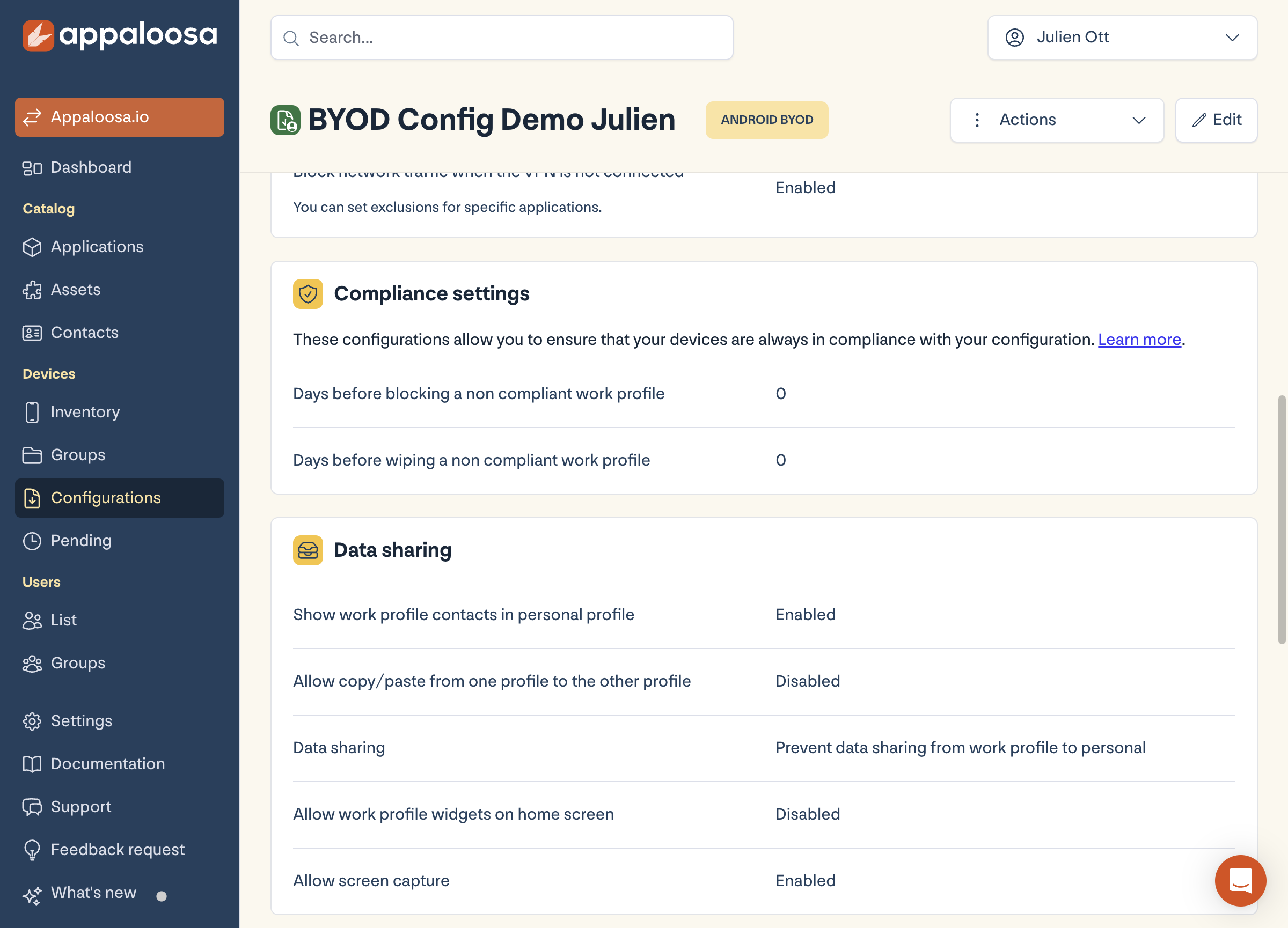
In the console, open Configurations, your Android configuration, then the Security tab. In the Data sharing section, the Allow screenshots setting controls this behaviour: disable it to forbid capture. The change applies remotely to devices attached to this configuration.
Book a demo
See Appaloosa run on your fleet
A 20-minute call on your real setup. Enrollment, private apps, security.
Book a demo →Good to know
- The restriction applies to the work space; on a BYOD device, the personal side is not affected.
- Blocking also covers screen recording on Android versions that support it.
- Combine it with blocking work to personal copy/paste for consistent anti-exfiltration protection.
FAQ
Can the user bypass the block?
No, the restriction is enforced at OS level by the MDM; the Camera app and capture tools are blocked in the managed space.
See the full platform Explore Appaloosa