

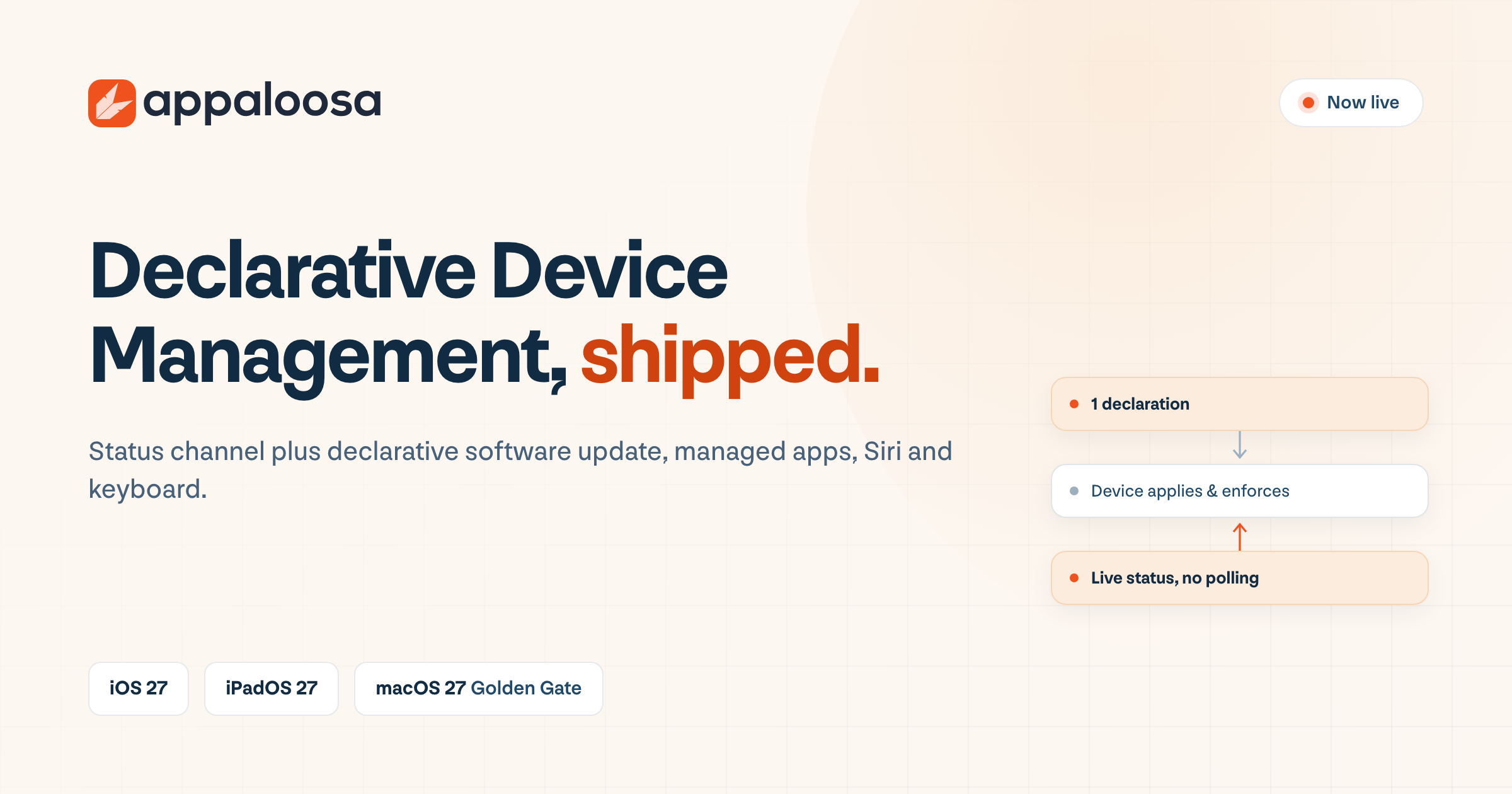
Appaloosa now supports Apple's Declarative Device Management. The status channel is live across managed iPhones, iPads and Macs, which means your devices report state changes as they happen instead of waiting for the console to ask. Alongside it, declarative configurations are in production for software update, managed apps, Siri and keyboard settings.
The timing is not ours. Apple removed legacy software update management from every 27.0 operating system, so from iOS 27, iPadOS 27 and macOS 27 onward, declarative is the only way to enforce an OS update. Here is exactly what shipped and what it means for your fleet.
What is live today
| Capability | Status | What it does |
|---|---|---|
| Status channel | Live | Devices push state changes in real time. Compliance drift shows up when it happens, not at the next check-in |
| Software update | Live | Target version plus enforcement date. The device drives the update and reports progress |
| Managed apps | Live | Self-healing installs, forced auto-update, Wi-Fi-only downloads, lock and hide |
| Siri settings | Live | Replaces the deprecated restriction keys |
| Keyboard settings | Live | Replaces the deprecated restriction keys |
| Other declaration types | Rolling out | Network, web content filter and the rest of the WWDC 2026 movers are being added declaration by declaration |
We are being specific on purpose. DDM is not a single switch a vendor either has or does not have. It is a growing set of declaration types, and any platform claiming complete coverage today is rounding up. What matters is whether the declarations you actually depend on are supported, and for software update and managed apps, ours are.
Why this lands now
Apple has spent five years widening declarative management and this year it started closing the old path. In the 27 releases, legacy software update management no longer functions at all: not the commands, not the queries, not the associated restrictions. An MDM that has not implemented declarative software update simply cannot push an OS update to a device on iOS 27.
The user-facing side changed too, for the better. Instead of a 60 second countdown and a forced restart, notifications can begin up to 14 days before your deadline, deferral windows run from 1 to 90 days, and you can set different deadlines for a minor update and a major OS upgrade. Most people will never see a countdown, because the device installs during a window when nobody is using it.
If you want the full picture of the model, the declaration types and what changed in the 27 releases, our guide to Apple declarative device management covers it end to end.
iOS 27, iPadOS 27 and macOS 27 support
Appaloosa is compatible with iOS 27, iPadOS 27 and macOS 27, which Apple named Golden Gate. All three were announced at WWDC on 8 June 2026. Apple has scheduled its iPhone event for 9 September 2026, and the public releases are expected the following week, around Monday 14 September. Enrollment, policies, app distribution and the declarative capabilities above work on the new releases from day one.
Two things worth knowing before the fleet starts updating. First, the new status items Apple added in the 27 cycle (mdm.enrollment-type, device.system.health, security.lockdown-mode and others) give you conditions you did not have before, evaluated on the device. Second, several capabilities that lived in the restrictions payload have moved to declarative configurations, so a profile you have not touched in three years may be managing nothing on a device running 27.
What you need to do
For most customers, nothing. Existing enrollments keep working, DDM runs over the MDM enrollment you already have, and Appaloosa switches each policy to the declarative path on devices that support it while older devices keep getting the imperative equivalent. There is no re-enrollment, no migration project to schedule, and no second policy set to maintain.
Two decisions stay yours, because they are operational rather than technical:
- Target a specific version, not "latest". Your support team will thank you for diagnosing one build instead of six.
- Stagger deadlines by group. Give a pilot cohort a date two weeks ahead of everyone else, and you will find the internal app that breaks before your users do.
If you manage Apple devices at scale and want to walk through your specific policy set, the feature matrix shows what runs on each platform and management mode, and our team is happy to look at your update strategy with you.
Related reading: How to lock and locate a device remotely when it is lost or stolen