

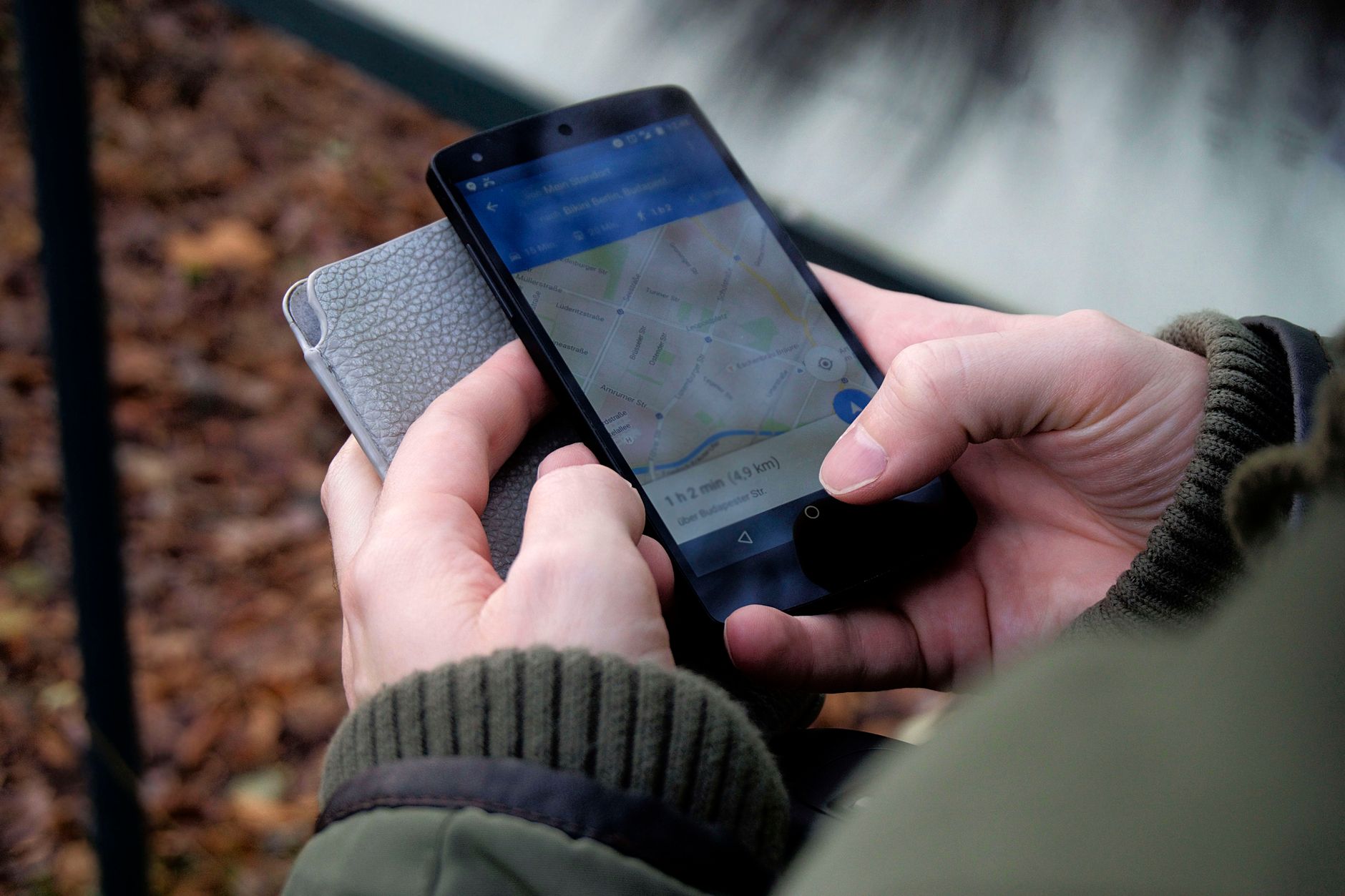
When a work device is lost or stolen, a MDM lets you react remotely in seconds: lock it, locate it, or wipe it. With Appaloosa, these actions live on each device page. Here is how to lock and locate a device remotely.
Lock, locate, wipe: the right reflexes
Facing a loss or theft, the order of actions depends on the situation. You usually start by locking (block access immediately), you locate to try to recover the device, and as a last resort you wipe the company data. Lost mode combines locking and showing a message on screen.
How to do it in Appaloosa
Open Inventory, click the device to open its page, then open the Actions menu. You will find every remote command:
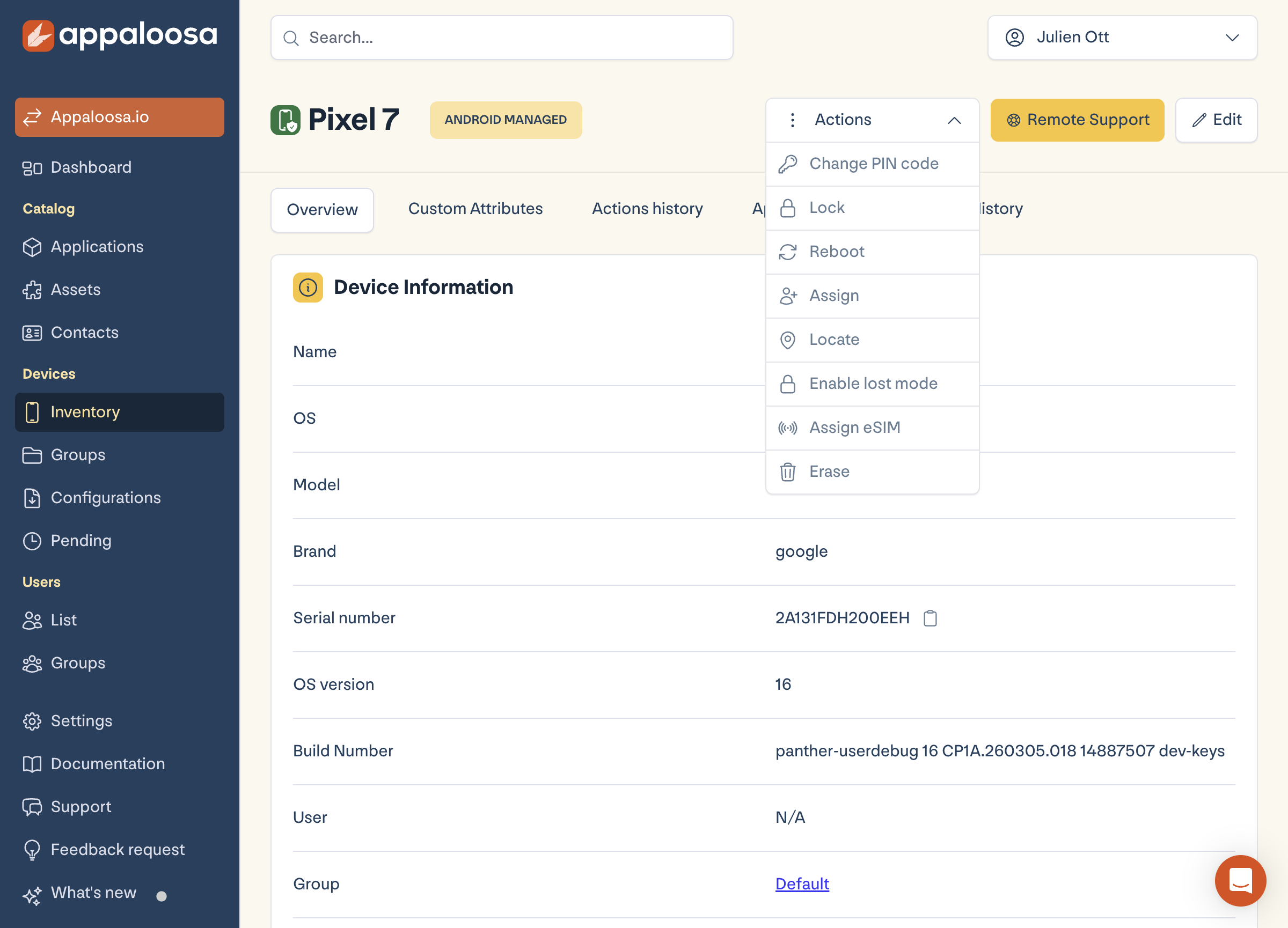
- Lock: immediately blocks access to the device.
- Enable lost mode: locks and can display a message (return contact details) on screen.
- Locate: reports the device position; a location history is available on the device page.
- Erase: wipes data remotely (the whole device when managed, the work profile on BYOD).
- Change PIN code and Reboot complete the toolkit.
Book a demo
See Appaloosa run on your fleet
A 20-minute call on your real setup. Enrollment, private apps, security.
Book a demo →Lost device: the recommended procedure
- Lock the device (or enable lost mode with a message).
- Locate it and check the location history.
- If recovery is impossible, erase the company data.
FAQ
Can you locate a BYOD device?
Location depends on the policy you set and the user's consent on BYOD. On a fully managed device, it is directly available.
Does erasing delete personal data?
On a BYOD device, erasing only removes the work profile: personal data stays intact. On a managed device, the device is reset.
See the full platform Explore Appaloosa