Automatic deployment
Appaloosa installs, configures and activates the Check Point Protect app, with no user action.
Turn on mobile threat defense with Check Point Mobile Security (formerly Harmony Mobile) across your iOS and Android fleet, without any user action on the device.
Highlights
Mobile threat defense only protects devices where its app is installed and active. Across a fleet, you have to deploy it, configure it, make sure it stays in place, and act fast when a phone is compromised. Appaloosa handles that for you.
Automatic deployment
Appaloosa installs, configures and activates the Check Point Protect app, with no user action.
One device inventory
Devices enrolled in Appaloosa show up in Check Point Mobile Security, and the ones you retire are removed.
Risk-based configuration
When Check Point detects a threat, the device's configuration adapts on its own.
How it works
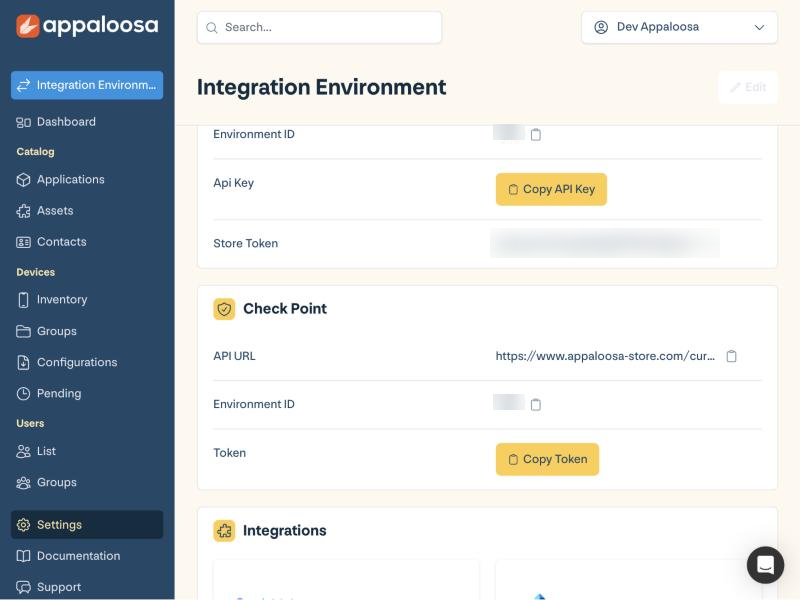
Copy the connection details from Appaloosa and paste them into the Check Point Mobile Security portal.
Check Point UEM guide (in English)Add it to your Android and iOS configurations: Appaloosa installs, configures and activates it on every managed device.
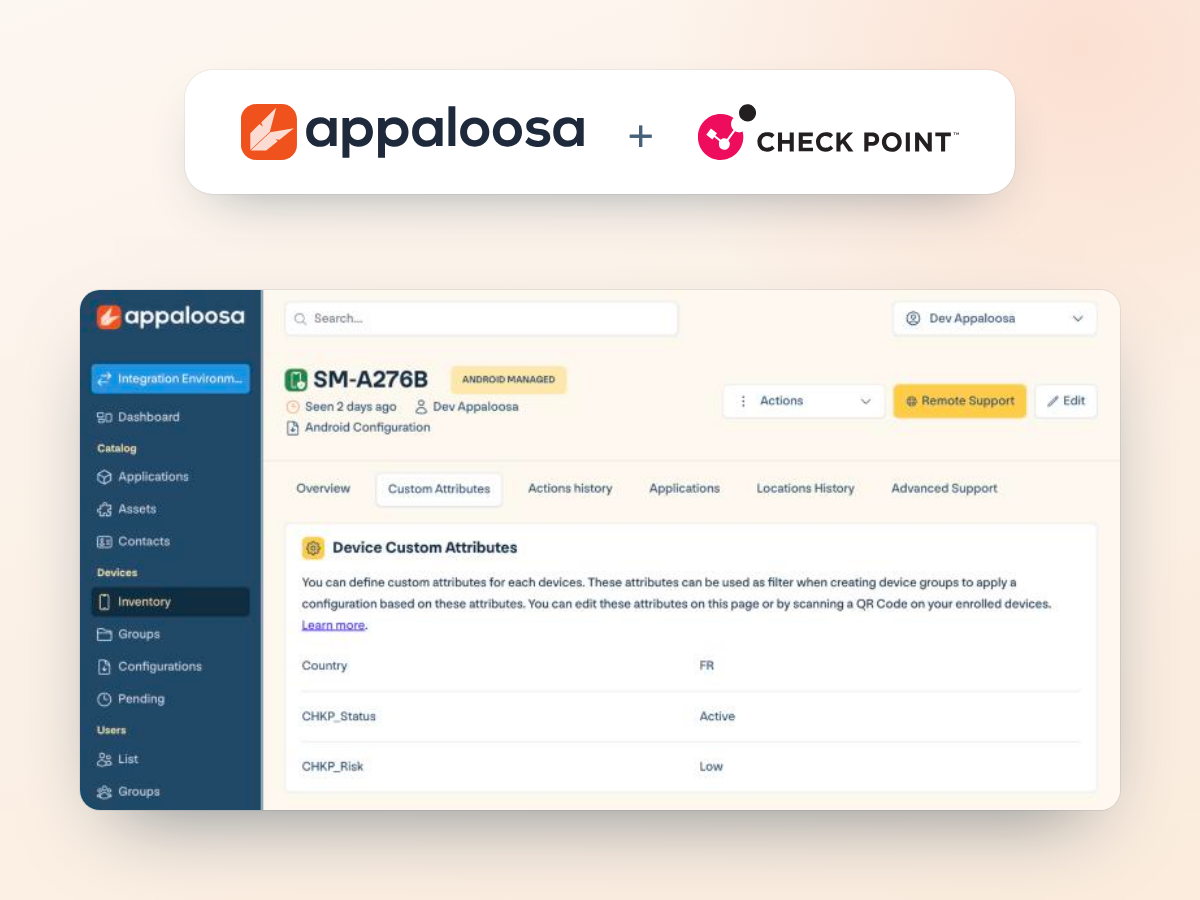
Check Point Mobile Security regularly sends back each device's status and risk level. Appaloosa shows them on the device page and uses them for your dynamic groups.
Create a dynamic group filtered on the Check Point risk level, for example high-risk devices.
Give it a stricter configuration: blocked apps, no store access.
When the risk changes, the device moves to the matching group and gets the right configuration, with no work for IT.
They trust us
Get started
See the integration in a demo, or try Appaloosa free for 14 days, no credit card required.
FAQ