

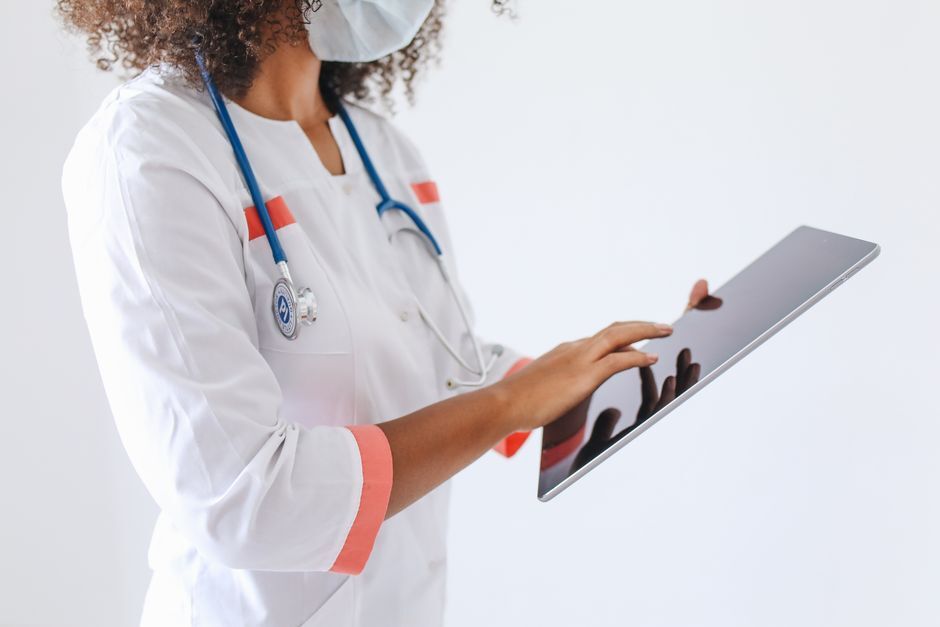
Healthcare device management has one constraint no other sector shares: the device is often shared, always urgent, and frequently within reach of patient data. A nurse picks up a tablet at the start of a shift, uses it for eight hours, puts it back on the charging rack. The next person to touch it must not see anything the previous one did.
That single requirement changes what an MDM has to do in a hospital or a care home. Below is what actually matters, based on how healthcare teams deploy in practice.
Shared devices are the default, not the exception
In most sectors, a device belongs to a person. In healthcare, it belongs to a shift. Ward tablets, handheld scanners for medication administration, the phone that follows the on-call role rather than the doctor: the device outlives the user session by design.
What this demands from device management is a clean state between users. Session data cleared, cached credentials gone, the app returned to its starting screen. Without it, you are one handover away from a nurse seeing another ward's patient list.
This is the same mechanism as shared device management in retail or logistics, with a much lower tolerance for failure.
Locking the device to the job
A clinical device usually needs to run two or three applications and nothing else. Not because staff cannot be trusted, but because a device that can browse the web and install apps becomes an attack surface in a network that also carries medical equipment.
Kiosk mode handles this: the device boots into the clinical app, the home button does nothing, and the app cannot be exited without an admin action. For a medication scanner or a bedside terminal, this is the difference between a medical device and a tablet that happens to be in a hospital.
What happens when a device disappears
Devices go missing in hospitals more often than anyone likes to publish. They end up in linen carts, in patient rooms, in a colleague's pocket at the end of a double shift.
The response has to be immediate and layered: locate the device, lock it remotely, and wipe it if it does not reappear. Full-disk encryption is what makes a lost device a paperwork exercise instead of a notifiable data breach, which under GDPR is a 72-hour clock you do not want to start.
Encryption is also the control auditors ask about first, and the easiest one to prove: either every device in the fleet reports as encrypted, or you have a finding.
The compliance question, answered honestly
Healthcare buyers ask two things: where does the data live, and who can reach it.
For European healthcare organisations, data residency is rarely negotiable. Appaloosa runs entirely in France, on infrastructure qualified SecNumCloud by ANSSI, the French national cybersecurity agency. There are no transfers outside the European Union, which removes an entire category of questions about foreign jurisdiction over patient-adjacent data.
Worth being precise here, because vendors are often not: an MDM does not make an organisation compliant. It gives you the controls (encryption, access restriction, remote wipe, audit trail) that a compliance programme is built on. Anyone selling you compliance in a box is selling you something else.
Book a demo
See Appaloosa run on your fleet
A 20-minute call on your real setup. Enrollment, private apps, security.
Book a demo →Personal phones in clinical settings
Clinicians use their own phones. They message colleagues, look up dosages, photograph a wound to show a specialist. Pretending otherwise does not stop it, it just moves it outside your visibility.
The workable answer is to give the professional use a managed space on the personal device rather than to manage the whole phone. Work apps and work data sit in a container the organisation controls and can erase; the personal side stays untouched and unmonitored. That distinction matters enormously to staff, and it is what makes BYOD in healthcare acceptable rather than resented.
Erasing a departing nurse's work container is a routine action. Erasing their family photos is an incident.
Deployment reality in a hospital
Healthcare IT teams are small, and the estate is heterogeneous: iPads at the bedside, rugged Android handhelds in the pharmacy, Windows laptops in administration, a handful of Macs in imaging. Managing that from four different tools is how understaffed teams end up with unpatched devices.
Zero-touch enrollment is what makes a rollout survivable: devices ship from the supplier, arrive on the ward, and configure themselves on first boot with the right apps, Wi-Fi and restrictions. Nobody stages 300 tablets by hand.
Appaloosa manages iOS, Android, Windows and macOS from one console, which for a healthcare team usually means one tool instead of three.
Frequently asked questions
Does an MDM make us GDPR compliant?
No, and be wary of anyone who says it does. It provides controls that a compliance programme relies on: encryption, remote wipe, access restriction, and an audit trail of what was done to which device. The programme itself, including your records of processing and your breach procedure, remains yours.
Can staff be tracked on their personal phones?
Not in a work-container model, and this should be stated explicitly to staff. The organisation manages and can erase the work container. It does not see personal apps, personal messages, or the device location. Saying this clearly in writing is usually what unlocks BYOD adoption in a hospital.
What about devices used by patients?
Same shared-device logic, tighter: kiosk mode limited to the intended application, clean state between patients, and no route to the underlying system. A patient entertainment tablet and a clinical tablet should never share a configuration.
How fast can a lost device be wiped?
The command is immediate; execution depends on the device having connectivity. This is exactly why encryption matters more than remote wipe: encryption protects the data whether or not the device ever connects again.
Where to start
Most healthcare deployments begin with the shared clinical devices, because that is where the risk concentrates and where the operational gain is most visible. Encryption and kiosk mode first, enrollment automation next, personal devices last once the policy is agreed with staff representatives.
If you want the detail of what is supported per platform, the feature matrix lists it line by line. For the wider picture of managing company-owned fleets, see corporate device management.
Ready to try Appaloosa? Start free