
Custom Enrollment Metadata
Filter devices with your data
Our QR code device enrollment allows IT to attach metadata to devices during enrollment. This data is made available on Appaloosa to apply filter-based smart policies.
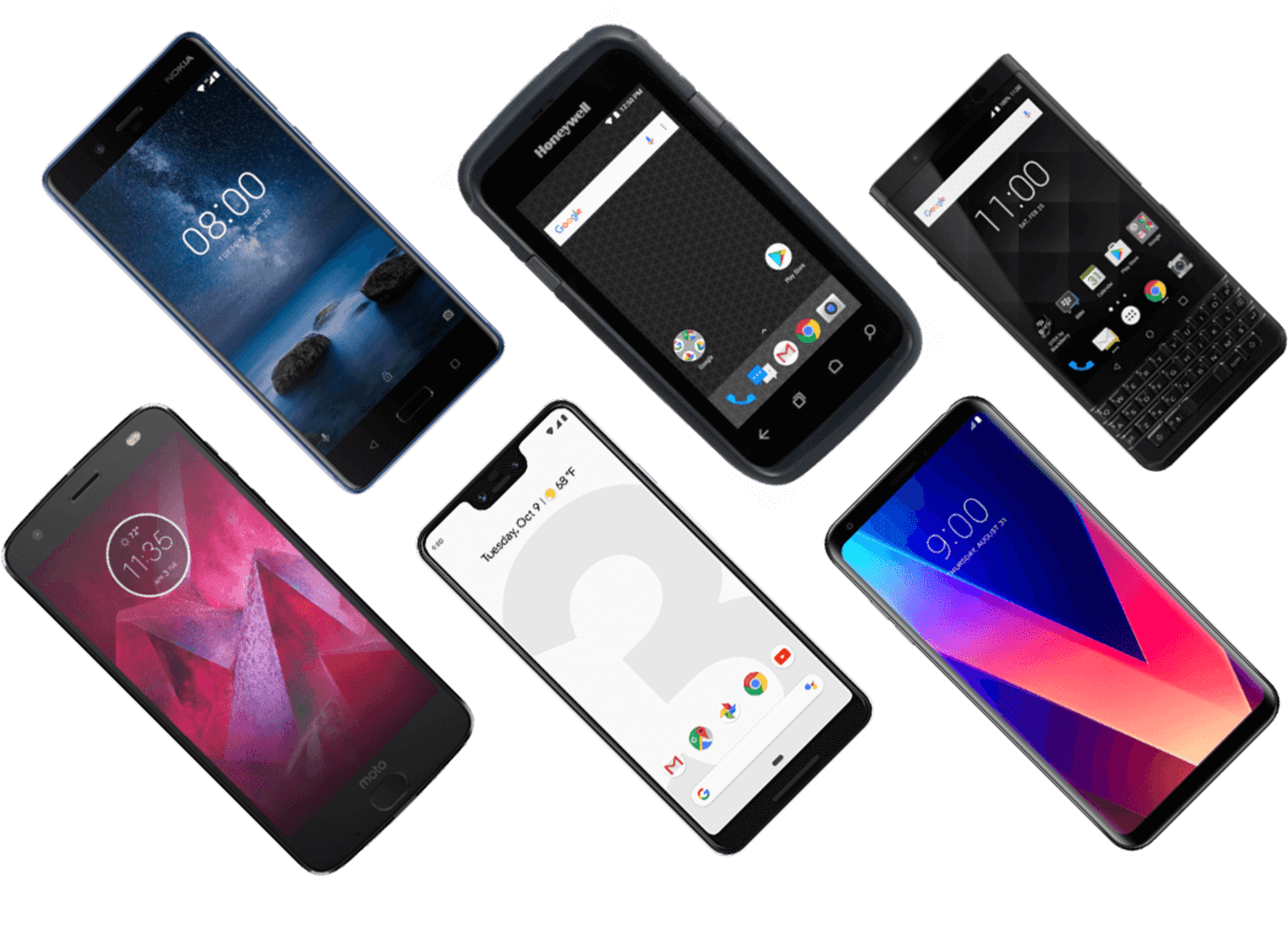
As a certified Android Enterprise EMM partner, Appaloosa provides comprehensive and consistent device management, with features for BYOD, personal enablement or dedicated managed device deployments, allowing to cover every use case.
Deploy work-only devices with strict policy enforcement including device settings, passcode, apps whitelisting, WiFi and more.
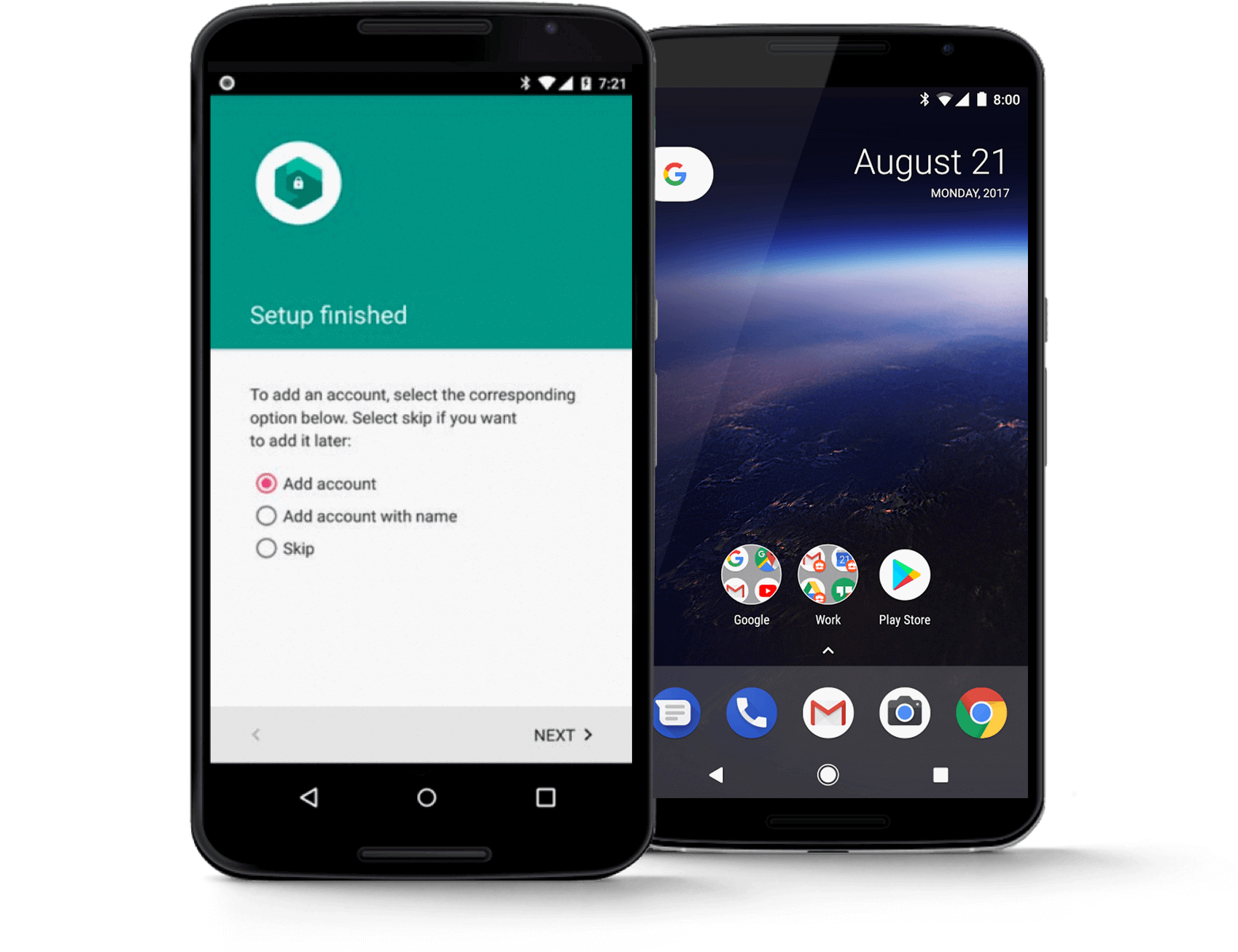
Prevent users from adding personal accounts to devices and maintain the device as only for work purposes.
Enable Android's OS-level container, called a work profile, to allow corporate apps and data to remain separate from personal apps and data.
Work and personal profiles will run side-by-side in the home screen, with work apps and notifications badged with a briefcase.
IT remains in full control of work apps and data.
With Appaloosa, IT admins can leverage OEMConfig device management to extend the capabilities beyond native features. Appaloosa supports Samsung, Zebra, Honeywell, Ascom and Bluebird.
A growing mobile fleet with Android MDM is easier to manage when there is no manual work. With Appaloosa, apply dynamic configuration templates easily and provision devices with Zero-Touch.
Zero-touch enrollment allows IT to deploy corporate-owned devices in bulk without having to manually setup each device. Users open the new device box and start using right away with management, apps and configurations all set.
Never micromanage your fleet again with our dynamic groups for android device management.
With smart filters, create dynamic groups and sub-groups adapting automatically to the device type, OS and management.
Simplify your employees' access to your business applications with our included Mobile Application Management and significantly reduce helpdesk requests.
Publishing your business apps has never been easier with support for public or private mobile apps. Appaloosa allows to define mandatory apps based on user profiles and business unit. Mandatory apps are installed by default without user intervention.
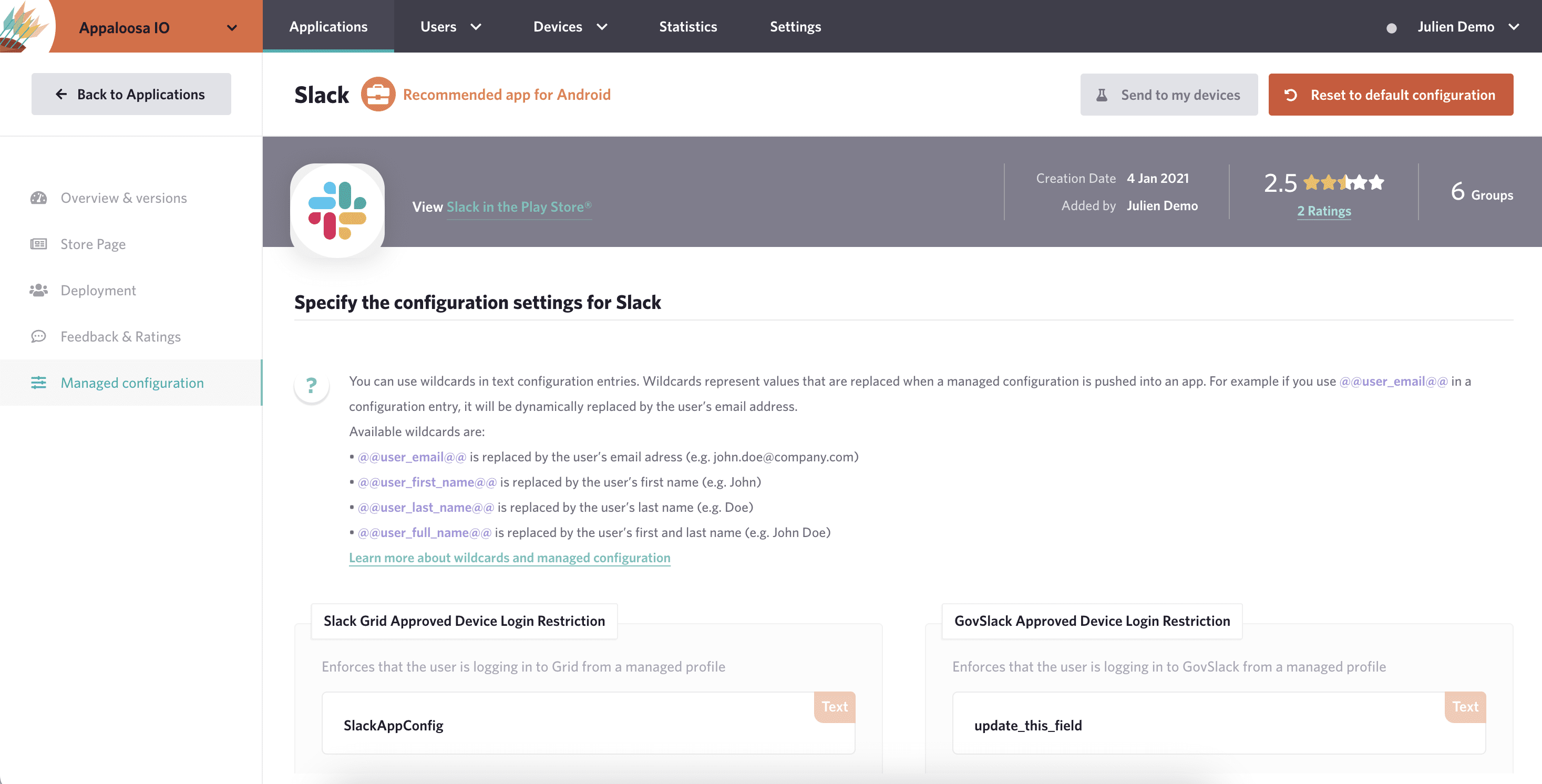
Managed configurations allow your IT admin to remotely specify settings for installed apps. This capability is particularly useful for organization-approved apps deployed to a work profile.
Provide fast support and helpdesk services to end-users with detailed device information and remote support including log capture, remote access & control.
Highlights
Explore our blog to learn about Android Device Management, Android Enterprise & Work Profile.