Group Management
Deploy Selectively
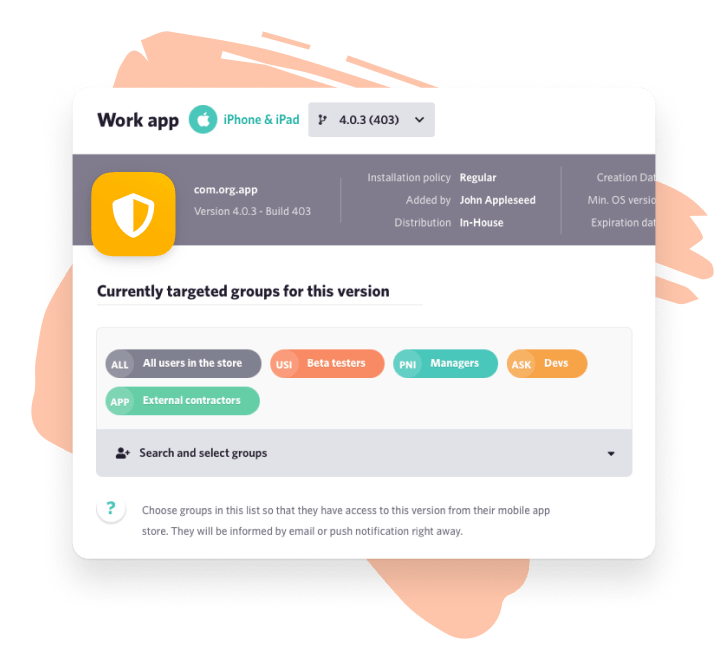
Define user groups to target the right apps to the right users. Only user groups with access will be able to download your app.
Apple Business Manager works better with Appaloosa. We provide full integration for simpler iOS app deployments and user management.
Deploy Custom Apps automatically to employees or partners with or without Mobile Device Management.

Appaloosa and Apple Business Manager work seamlessly together. Publish your apps to Apple Business Manager, Appaloosa will handle the distribution to your users.
Appaloosa contains your apps from all distribution channels including Apple Business Manager. Your Apple Business Manager apps will be automatically imported to your administration console, alongside other apps you need to deploy.
Any user can be invited by email and will receive all instructions to set up the store on their device and download the app instantly.
Users will download the app directly from the private section of Apple’s App Store. No iOS profile or configuration required.
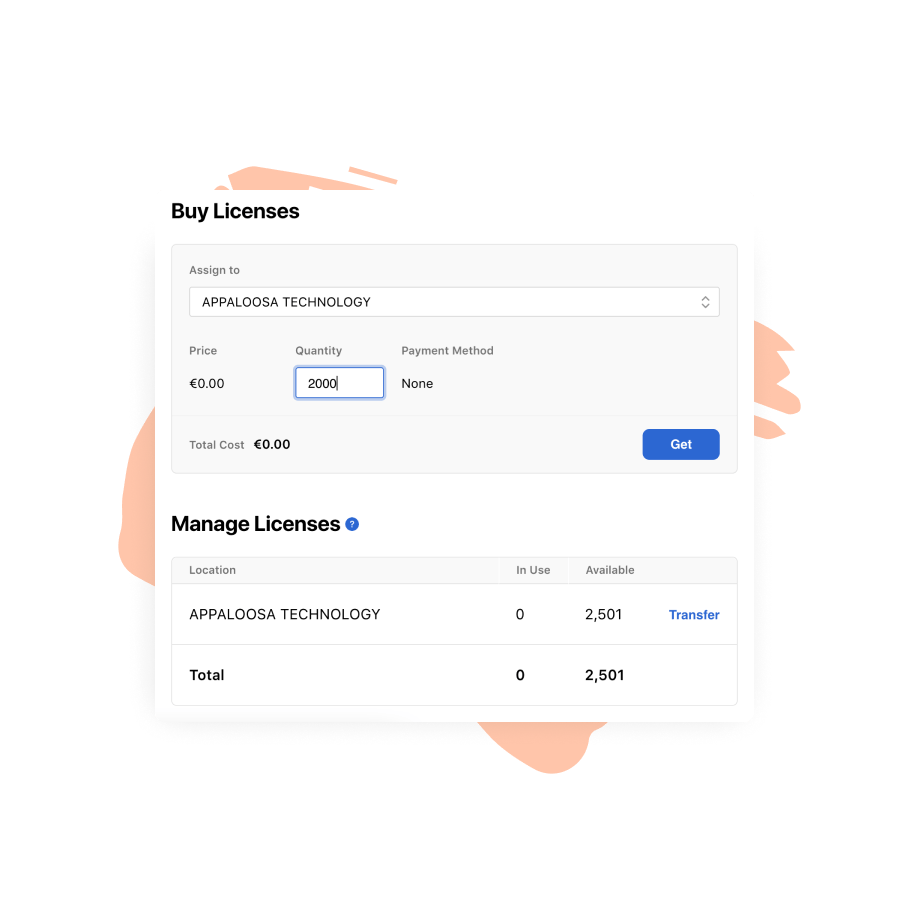
For unmanaged devices, Apple Business Manager relies on redemption codes to allow users to download. Instead of generating and assigning redemption codes manually, Appaloosa manages it automatically for you.
Get redemption codes from Apple Business Manager to allow any users to access your app.
Import your redemption codes to Appaloosa as a xls file.
Appaloosa will automatically manage redemption codes and assign available ones to new or existing users.
Highlights
Explore our blog to learn about Apple Business Manager, iOS device management and iOS code-signing.