

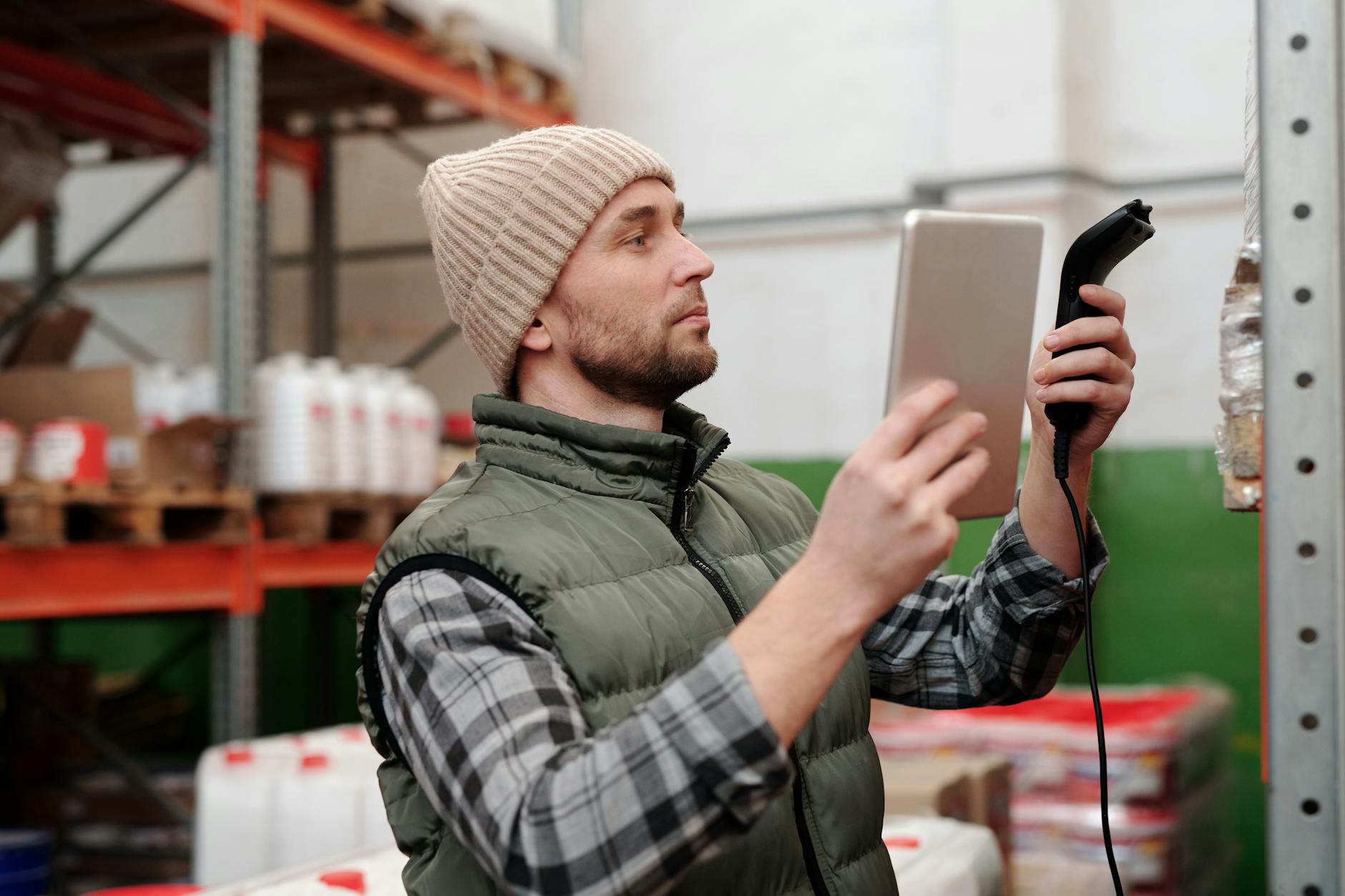
Retail chains run hundreds of devices across stores, warehouses, and distribution centers. Tablets at checkout, handheld scanners in the stockroom, customer-facing kiosks on the sales floor. When one of those devices goes down, it costs real money: a broken POS terminal during Saturday rush, a scanner that won't connect to inventory, a kiosk showing yesterday's promotions.
That's why retail IT teams need an MDM (Mobile Device Management) solution built for the way stores actually work. Not the way corporate offices work.
Why Retail MDM Is Different from Office MDM
In a typical office, employees use laptops at desks. They connect to one Wi-Fi network, print to one printer, and IT can walk over if something breaks. Retail environments are the opposite. Store and warehouse teams are covered by frontline worker device management.
Your devices are scattered across dozens of locations. Some are shared between shifts. Many run a single app all day (think self-checkout or price-checking). Staff turnover is high, so the person using the device this week may not be the same person next week.
This means your MDM needs to handle three things that office-focused solutions often treat as edge cases: shared device management, kiosk lockdown, and rapid provisioning at scale.
Kiosk Mode: Lock Devices to What Matters
A customer-facing tablet in a shoe store doesn't need access to email, YouTube, or the settings menu. It needs to run your catalog app and nothing else.
Kiosk mode locks an Android or iOS device to a single app (or a curated set of apps). The home button stops working. The notification bar disappears. The device becomes a purpose-built tool instead of a general-purpose tablet.
For retail, this solves several problems at once. Customers can't accidentally navigate away from your app. Employees can't install personal apps on shared devices. And if someone walks off with a locked-down tablet, it's useless outside your network.
Most MDM platforms support kiosk mode, but the details vary. Look for single-app mode, multi-app mode (for devices that need access to 2 or 3 apps), and the ability to push kiosk configuration changes remotely without touching the device.
Zero-Touch Deployment for New Store Openings
Opening a new location means provisioning 20 to 50 devices in a matter of days. Doing that manually (unboxing, connecting to Wi-Fi, installing apps, configuring policies) takes about 30 minutes per device. For 40 devices, that's over two full workdays.
Zero-touch enrollment eliminates most of that. You configure device policies in your MDM console, associate the devices by serial number or reseller order, and ship them directly to the store. When an employee powers on the device for the first time, it auto-enrolls, downloads the right apps, and applies your security policies. No IT person needs to be on-site.
Android supports this natively through Android Enterprise zero-touch. Apple uses Automated Device Enrollment (ADE) through Apple Business Manager. Both work with major MDM platforms including Appaloosa.
App Distribution Across the Fleet
Retail apps update frequently. A new POS version, a patched inventory scanner, a seasonal promotion app. Pushing these updates to hundreds of devices without disrupting operations requires a distribution system that works silently in the background.
With an enterprise app management solution, you can push app updates during off-hours (say, 2 AM when the store is closed), stage rollouts by region (test in 5 stores before deploying to 200), and force-install critical security patches immediately.
Private apps are common in retail. Your custom inventory management tool or your internal communication app won't be on the Play Store or App Store. You need a private app catalog where employees can find and install approved apps without going through a public marketplace.
Security: Theft, Loss, and Data Protection
Retail devices face physical risks that office laptops rarely encounter. They sit on display tables. They travel in delivery trucks. They get left in stockrooms overnight.
Your MDM should offer:
- Remote wipe to erase a lost or stolen device before anyone accesses customer data
- Geofencing to trigger alerts (or automatic lockdown) when a device leaves the store perimeter
- Compliance policies that detect rooted or jailbroken devices and quarantine them automatically
- Encryption enforcement across the fleet, not just on devices employees remember to configure
PCI DSS compliance adds another layer. If your devices process card payments, they must meet specific security standards. An MDM helps by enforcing OS updates, blocking USB debugging, and maintaining audit logs that prove compliance during assessments.
Book a demo
See Appaloosa run on your fleet
A 20-minute call on your real setup. Enrollment, private apps, security.
Book a demo →Shared Device Management
In offices, each person has their own device. In retail, three shift workers might share the same tablet at the checkout counter.
Android's shared device mode (part of Android Enterprise) lets multiple users sign in and out without wiping the device. Each user gets their own app data and session, but the device stays enrolled and managed. When a shift ends, the previous user's data clears automatically.
This is critical for compliance. If employee A processes a return and employee B starts the next shift, you need a clean separation of sessions and transaction logs.
Beyond the store: logistics, transport and last mile
The warehouse is where retail device management stops being about customers and starts being about throughput. A picking handheld that reboots into a setup wizard costs an hour of a shift. A scanner that loses its Wi-Fi profile between the cold store and the loading bay costs a whole route.
Three things separate a logistics fleet from a shop-floor one:
The devices are rugged, and rarely the latest model. Zebra, Honeywell and Samsung XCover handhelds stay in service for years, which means your management platform has to keep supporting older Android versions long after the consumer world has moved on. This is worth checking before you buy: a fleet of five-year-old scanners is not a corner case in logistics, it is the norm.
Connectivity is intermittent by design. Vehicles leave the depot, drivers go through dead zones, cold storage blocks signal. Policies have to apply when the device eventually reconnects, not fail silently because it was offline at the moment a command was sent.
The device follows the shift or the vehicle, not the person. A delivery handheld is handed over at the end of a route. That is the same clean-state requirement as shared devices everywhere else: the next driver should not inherit the previous one's session.
For drivers and warehouse operators, the practical setup is usually a locked-down device running two or three applications, provisioned before it ever reaches the depot. That combination of kiosk mode and zero-touch enrollment is what makes a several-hundred-device rollout possible without staging each unit by hand.
The wider pattern for teams who are not at a desk, across retail, logistics, field service and industry, is covered on our frontline workers page.
What to Look For in a Retail MDM
Not every MDM solution handles retail well. Before committing, test these capabilities with your actual device mix and store count:
Multi-OS support. Retail fleets are rarely homogeneous. You might run Android tablets at checkout, iPads for clienteling, and rugged Android devices in the warehouse. Your MDM must manage all of them from one console.
Scalability without per-device pricing traps. Some vendors charge per device per month. At 500 or 1,000 devices, that adds up fast. Compare total cost of ownership (TCO) over 3 years, not just monthly fees.
Offline resilience. Store Wi-Fi goes down. Warehouse connectivity is spotty. Your managed devices need to keep working with cached policies and apps, then sync when connectivity returns.
Integration with your POS and ERP. The MDM shouldn't exist in a silo. It should feed device health data into your operations dashboard so store managers see which devices need attention.
Appaloosa supports all four of these scenarios for retail chains managing iOS and Android devices across multiple locations. See how it works.
Ready to try Appaloosa? Start free