

On Android, "unknown sources" means installing apps (APK) outside the Play Store. On a company fleet, you generally want to control or block this behaviour to avoid unverified APKs, while still delivering your own private apps through a managed channel. Here is how to handle it in Appaloosa.
The risk of unknown sources
An APK installed from a browser, an email or a USB stick bypasses Play Store checks: it is a classic malware vector. But fully banning off-store installs would also block legitimate internal app deployment. The right approach: block wild sideloading and distribute your private apps through the MDM (managed Google Play / enterprise app store).
Set unknown sources in Appaloosa
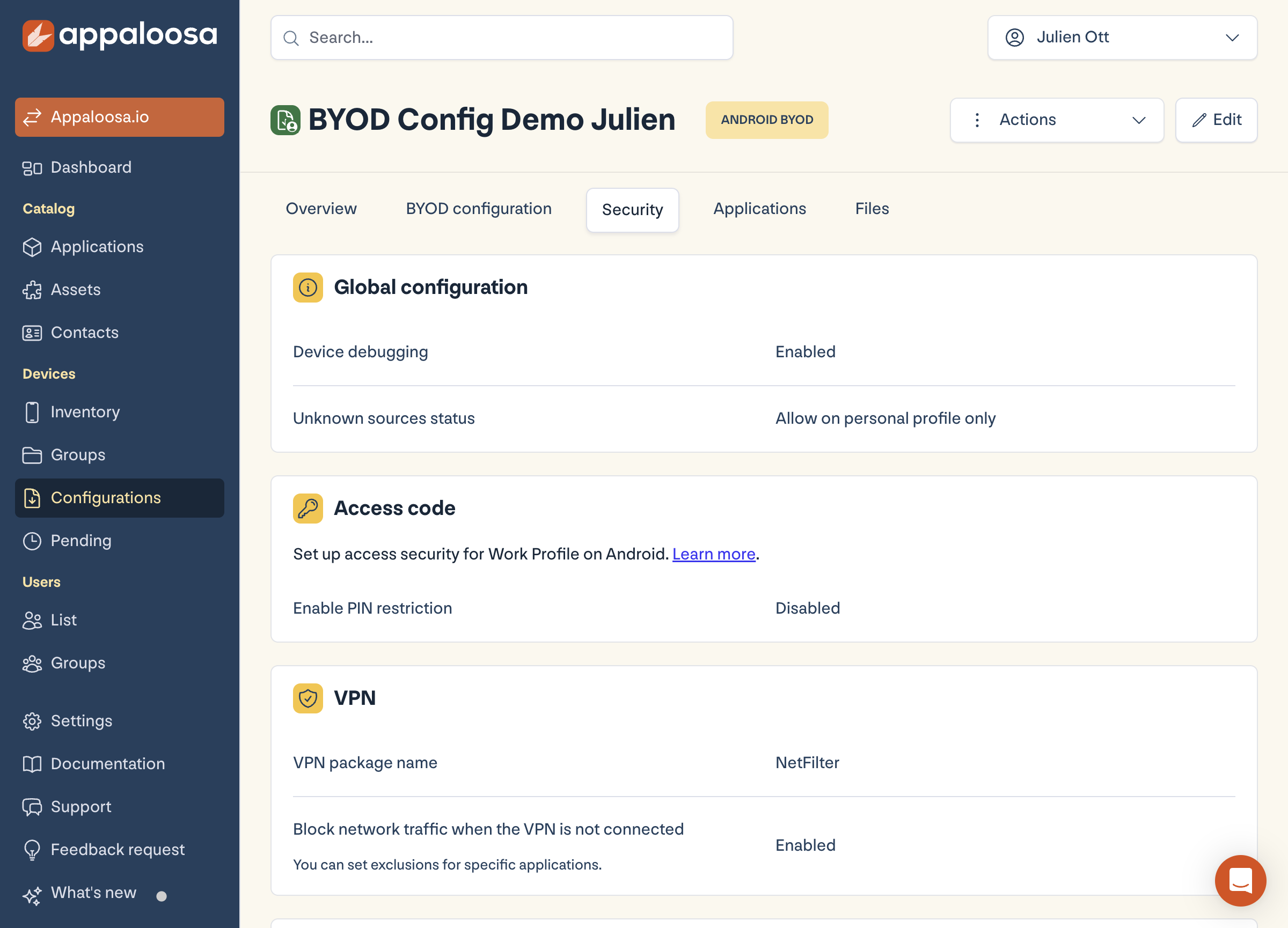
In Configurations → Android configuration → Security tab, Global configuration section, the Unknown sources management setting drives this behaviour (for example "Allowed in the personal space" on BYOD, to keep users free on the personal side while protecting the work space).
Best practice: deploy your apps without sideloading
Rather than opening unknown sources to install your internal apps, push them through Appaloosa (managed Google Play or enterprise app store). Your private apps arrive reliably and signed, and you keep unknown sources closed on the work side.
FAQ
Do I need to enable unknown sources to deploy an in-house app?
No. A MDM distributes your private apps without manual sideloading, which is safer and can be automated.