

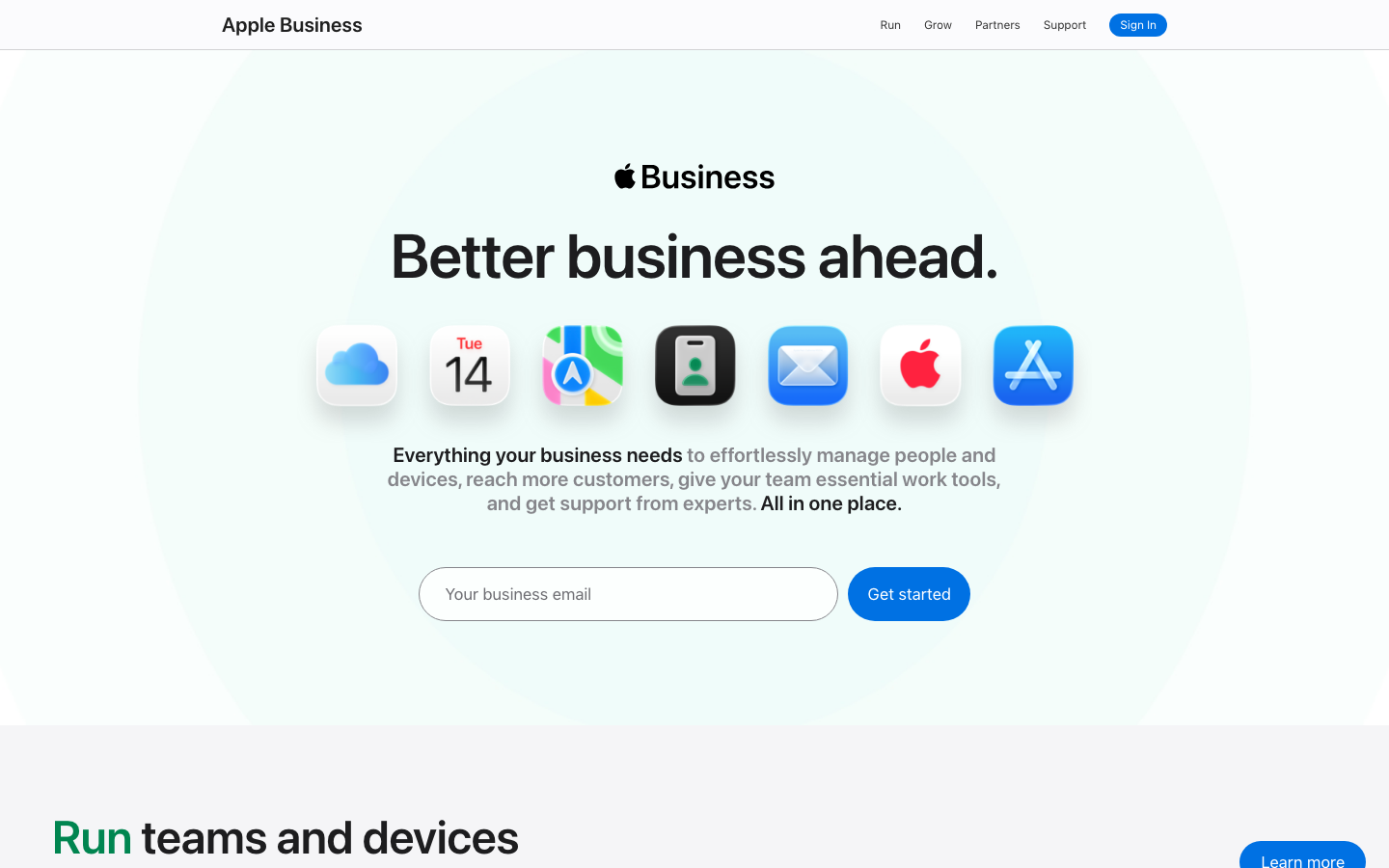
Apple launched Apple Business on April 14, 2026, a free platform that consolidates Apple Business Manager, Apple Business Essentials, and Apple Business Connect into a single console. It includes built-in device management, email with a custom domain, an employee directory, iCloud storage, and customer-facing tools like branded profiles in Maps and Safari. The device management piece is Apple's first free MDM, and it's available in over 200 countries.
For IT teams already using a third-party MDM, the question is simple: does Apple Business replace what you have? The short answer is no. Apple's built-in management covers the basics, but it leaves out most of the features that organizations with 50+ devices rely on daily. Here's what it does, what it doesn't, and how to decide.
Apple Business Manager is free, and since April 14, 2026 it lives inside Apple Business, a free platform that also ships a basic built-in MDM for iPhone, iPad and Mac. There is no per-device fee: enrollment, Blueprints, app licensing and Managed Apple Accounts cost nothing. Paid options only cover extra iCloud storage and AppleCare+. The free MDM handles passcodes, remote wipe and app deployment, but not AppConfig, kiosk mode or Android.
What Apple Business includes
Apple Business merges three previously separate products into one dashboard: For company Macs specifically, compare with macOS device management.
Device management. Configure settings, enforce security policies, deploy apps, and organize devices into groups. Apple calls their pre-configuration templates "Blueprints," which enable zero-touch deployment for new devices. Supported on iPhone, iPad, and Mac.
Managed Apple Accounts. Work accounts with cryptographic separation between personal and corporate data. Employees get a work Apple ID tied to the company domain, keeping personal iCloud data completely separate.
Communication tools. Professional email, calendar, and directory services using your company domain. Apple offers "Domain Connect" for one-click domain configuration.
Customer engagement. Branded business profiles in Maps, Safari, Siri, and Spotlight. Order tracking in Wallet. Tap to Pay branding. Ads in Maps coming summer 2026 (US and Canada).
iCloud storage. 5 GB per user included free, with paid tiers up to 2 TB ($9.99/month per user). Currently available in the US only.
AppleCare+ for Business. Optional ($6.99/month single device, $13.99/month multi-device) with expedited service. Currently available in the US only.
What Apple Business does NOT include
This is where it gets important for IT teams. Based on hands-on testing by our product team, Apple's built-in MDM is missing several features that most organizations consider essential:
No app configuration management. You can push apps to devices, but you can't configure them remotely. Managed App Configuration (AppConfig) lets you pre-set login credentials, server URLs, and feature flags inside an app before the user opens it. Apple Business doesn't support this. Your users will have to configure every app manually.
No email configuration management. Apple Business has no capability to push email account configurations (Exchange, Gmail, IMAP) to devices. If your organization uses Microsoft 365 or Google Workspace (which is most organizations), you'll still need to configure email accounts on each device by hand, or use a real MDM to push the configuration.
Partial restriction support. Apple's MDM protocol supports over 100 restriction payloads (disable camera, block App Store, prevent screen recording, force encrypted backups, etc.). Apple Business exposes only a subset through its UI. If the restriction you need isn't in their interface, you're stuck.
Custom profiles now supported (with caveats). Apple has since added custom configuration profile support to Apple Business. IT teams can now deploy VPN, certificate, and Wi-Fi profiles. However, third-party MDMs still offer a broader range of payloads, template libraries, and the ability to deploy profiles across both Apple and Android devices from a single console.
OS update management. Apple Business now supports update controls for macOS and iOS/iPadOS, including deferral options. For organizations that need staged rollouts across device groups or version pinning for compliance testing, a third-party MDM provides more granular scheduling.
Apple devices only. Obviously. If you manage Android devices alongside Apple (which 68% of enterprises do, according to IDC), Apple Business covers half your fleet at best. Teams that want to look beyond Jamf can compare nine Jamf alternatives.
Apple Business vs Appaloosa: feature comparison
| Capability | Apple Business (free) | Appaloosa |
|---|---|---|
| Supported platforms | iPhone, iPad, Mac | iPhone, iPad, Mac, Android, Windows |
| Zero-touch enrollment | Yes (ADE + Blueprints) | Yes (ADE + Android Zero-Touch) |
| App deployment | App Store + VPP apps | App Store + VPP + private enterprise apps (IPA, APK) |
| App configuration (AppConfig) | No | Yes |
| Enterprise app store | Yes (basic) | Yes (branded private app catalog) |
| Email/Exchange config push | No | Yes (Exchange, Gmail, IMAP) |
| Wi-Fi / VPN / certificate profiles | Limited (UI-only options) | Full (custom profiles, 802.1X, SCEP) |
| Restrictions | Partial (subset of Apple payloads) | Full (all Apple + Android restrictions) |
| Custom configuration profiles | Yes | Yes |
| iOS/iPadOS update control | Yes (basic, auto-update) | Yes (defer, schedule, staged rollouts) |
| Kiosk mode | No | Yes (single-app and multi-app) |
| Remote support | No | Yes (screen view + guided troubleshooting) |
| BYOD (work container) | Yes (requires Managed Apple Account) | Yes (no managed account required, iOS + Android Work Profile) |
| Compliance reporting | Basic | Detailed (GDPR, NIS2, audit trails) |
| Pricing | Free (+ storage/AppleCare add-ons) | Per-device pricing, 14-day free trial |
Explore
See the full platform
Enrollment, apps, security, remote support: all in one place.
Explore Appaloosa →Who Apple Business is designed for
Apple's free MDM makes sense for a specific profile: a small business with fewer than 20 Apple devices, no Android devices, no complex security requirements, and no need for granular configuration control.
Think a design studio with 10 MacBooks and 5 iPads. They need basic security (passcode enforcement, remote wipe). Apple Business handles that without paying for a third-party tool.
But the moment you add complexity, the limitations surface. A retail chain with 200 iPads in kiosk mode? Apple Business can't lock devices to a single app. A logistics company with a mixed fleet of iPhones and Android scanners? Apple Business doesn't touch Android. A healthcare organization that needs to push VPN certificates and block camera access in patient areas? The restriction and profile limitations make it impractical.
How Apple Business and third-party MDMs coexist
Apple documented this clearly: when you sign up for Apple Business, you can choose "External Management" to link a third-party MDM solution instead of using Apple's built-in management. This isn't an either/or situation. Apple Business handles account management and procurement (Managed Apple Accounts, VPP app licensing, device ownership records), while Appaloosa handles the actual device management.
This is how most enterprises already work with Apple Business Manager today. Apple Business Platform simply consolidates the interface. If you're already using Appaloosa with Apple Business Manager for automated device enrollment, the migration to Apple Business Platform changes your Apple dashboard but not your MDM workflow.
The "External Management" path is also the right choice if you plan to grow beyond Apple's limitations. Starting with Apple's free MDM and migrating later means re-enrolling every device, which is disruptive. Starting with a third-party MDM from day one avoids that migration entirely.
Three scenarios where you need more than Apple Business
You manage Android devices. Any Android device in your fleet means Apple Business covers only part of your needs. A single MDM that manages both iOS and Android (like Appaloosa) eliminates the need for two management tools.
You use kiosk or shared device modes. Retail, hospitality, healthcare, and logistics all rely on kiosk mode to lock tablets to specific apps. Apple Business doesn't offer this.
You require compliance documentation. GDPR, NIS2, HDS, PCI-DSS all require documented proof that devices meet security standards. Apple Business provides basic status views. A full MDM provides audit trails, compliance reports, and automated remediation.
What this means for IT teams evaluating MDM
Apple's move into free device management validates what the industry has known: basic MDM is becoming a commodity. The value of a third-party MDM isn't in the features Apple just made free (passcode enforcement, remote wipe, basic app deployment). It's in everything Apple left out: cross-platform support, app configuration, kiosk mode, remote support, and granular control over updates and restrictions.
If Apple Business handles 100% of your needs today, use it. It's free and it's built by the platform vendor. But if you're reading this article, you probably have requirements that go beyond the basics. Test Appaloosa free for 14 days, enroll your first 10 devices, and compare the control you get. Choose "External Management" in Apple Business to keep Appaloosa as your device management solution.
FAQ
Is Apple Business Manager free?
Yes, Apple Business Manager has always been free, and since April 14, 2026 it is part of Apple Business, which is also free. Apple Business combines the old Apple Business Manager (device enrollment, app licensing, Managed Apple Accounts), Apple Business Essentials (device management) and Apple Business Connect (brand profiles in Maps and Wallet). The only paid items are iCloud storage beyond 5 GB per user and AppleCare+ for Business.
Does Apple have a free MDM?
Yes, Apple has offered a free MDM since April 14, 2026, built into Apple Business. It configures settings, enforces passcodes and encryption, deploys App Store and volume-purchased apps, applies Blueprints for zero-touch setup, and can lock or wipe a device. Before that date, the same device management was a paid part of Apple Business Essentials at 2.99 USD per device per month. It works only on iPhone, iPad and Mac, and exposes a subset of Apple's restriction payloads.
Is Apple Business MDM enough for a business?
Apple Business MDM is enough for a small Apple-only fleet with basic needs: roughly fewer than 20 iPhones, iPads and Macs, no Android, and no requirement beyond passcode enforcement, app deployment and remote wipe. It falls short as soon as you need managed app configuration, pushed email accounts, kiosk or single-app mode, remote support, staged OS updates or compliance reports for GDPR or NIS2. Mixed fleets with Android devices need a cross-platform MDM in any case.
Can you use Apple Business with a third-party MDM?
Yes, Apple Business works with a third-party MDM. When you set up Apple Business, choose "External Management" to link your MDM server instead of Apple's built-in management. Apple Business then keeps handling device ownership records, Automated Device Enrollment, app licensing and Managed Apple Accounts, while the MDM applies profiles, restrictions and apps. This is the same setup enterprises used with Apple Business Manager. Switching from the built-in MDM later means re-enrolling every device, so decide early.
Ready to try Appaloosa? Start free